LUTs Previewer (Mac/PC)
Several users contacted me to tell that it was difficult for them to test all the LUTs quickly.
Some of them use DaVinci Resolve, others use Premiere Pro or After Effects, Final Cut Pro X, on Mac or PC.
Rather than developing 8 plugins (4 video editing apps on 2 operating systems) which I haven't the skills,
I decided to build a standalone app for Mac and PC to test all LUTs included in my pack easily.
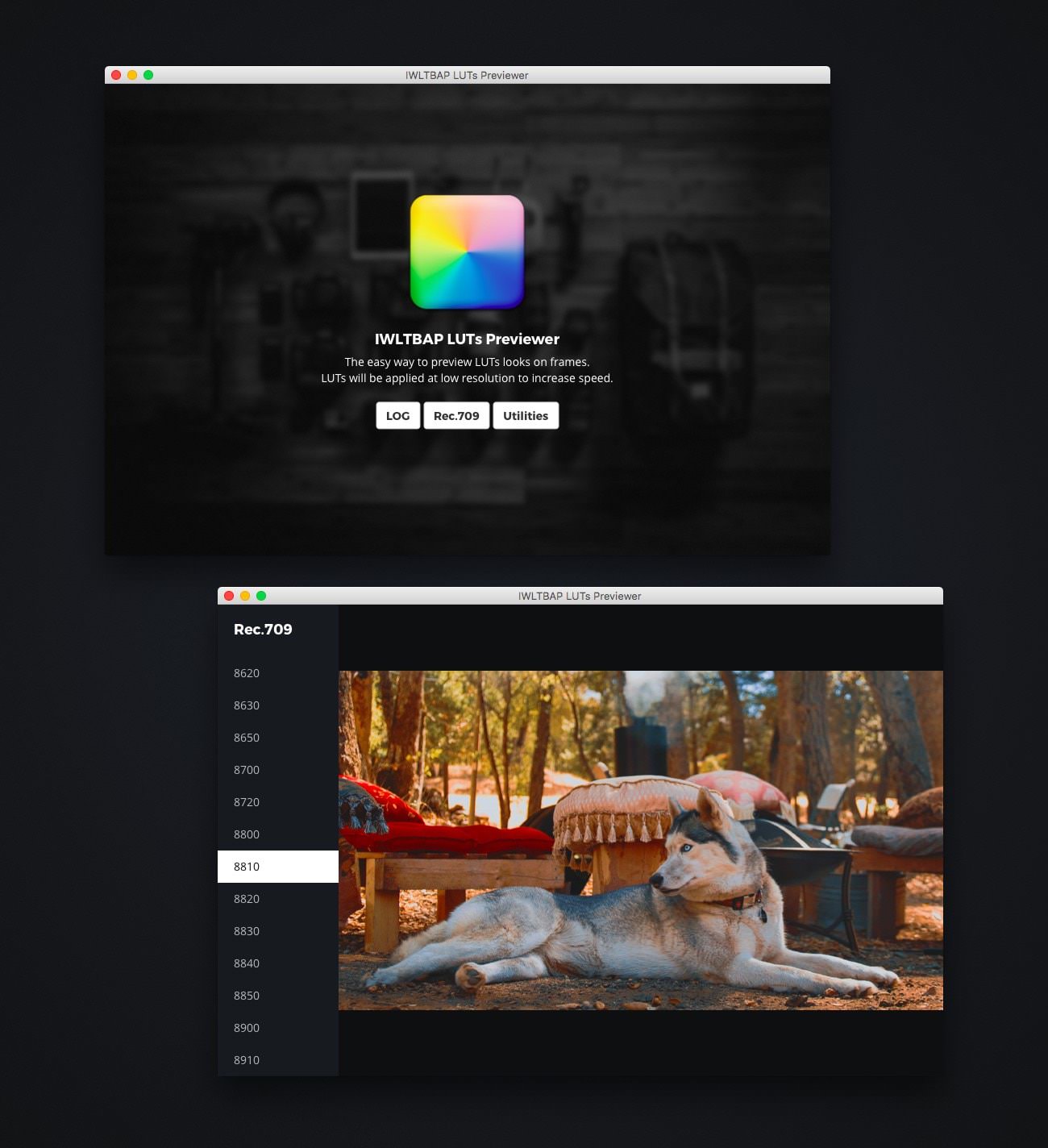
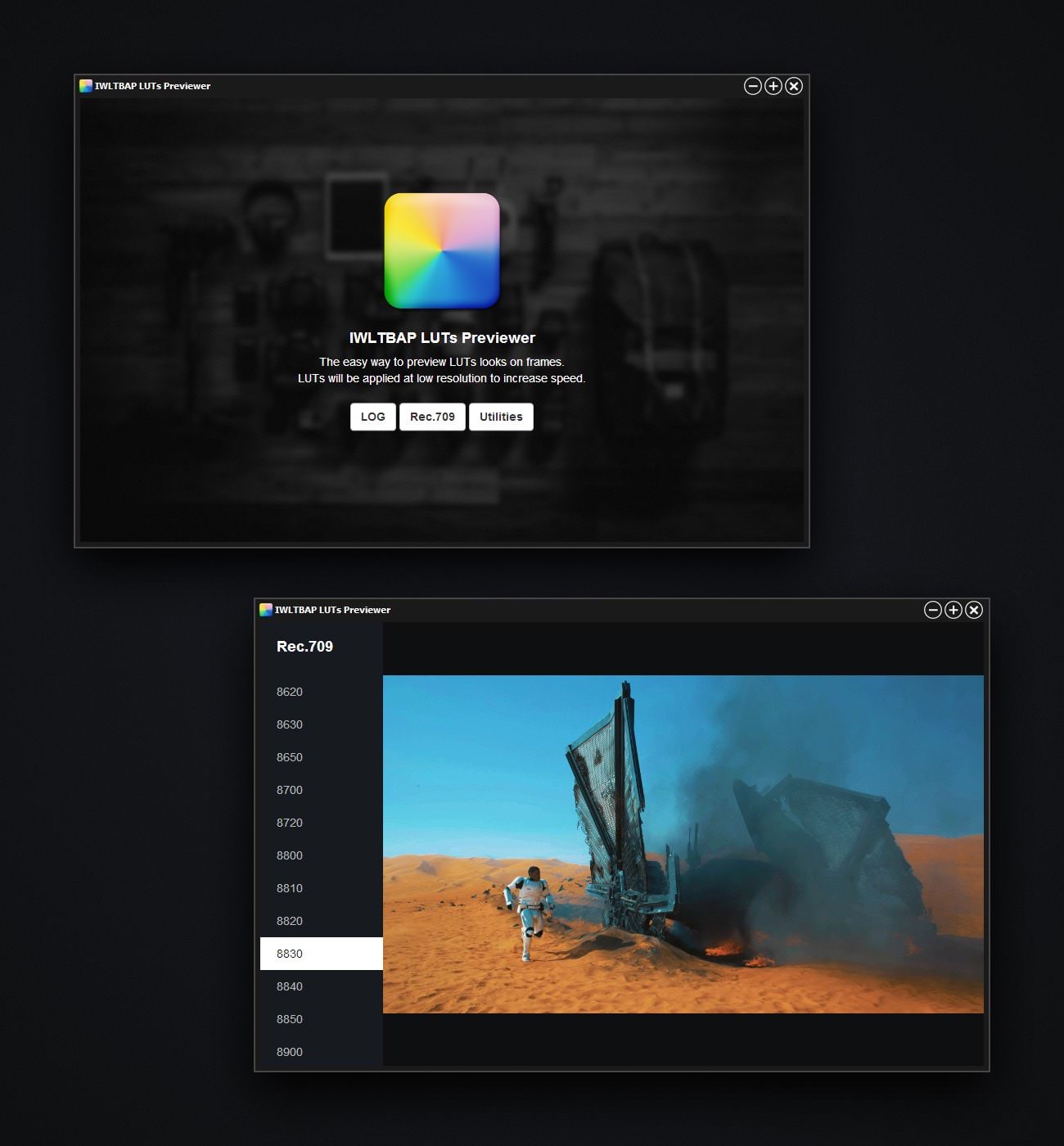
You have just to load/drop a JPG/PNG frame in the app and click a LUT reference in the left sidebar.
To generate frames quickly I recommend the use of VLC.
Launch a video and take a snapshot at any moment with the following keyboard shortcut :
Cmd + Alt + S on Mac
Shift + S on PC
LUTs are applied at low resolution to increase speed.
So the quick rendering can suffer from shortcomings such as pixilation or banding.
Version for PC is around 24MB, for Windows 7 and superior.
Version for Mac is around 10MB, for Mac OS X Lion and superior.
Suggested improvements
- - Change LUTs with keyboard arrows.
- - Export frame with current LUT in a click.
- - Button to toggle ON/OFF the LUT.
- - Opacity slider.
Version for OS X (Mac)
Version for Windows (PC)
Available for free with the LUTs Color Grading Pack by IWLTBAP.
© IWLTBAP SAS® 2010-2026