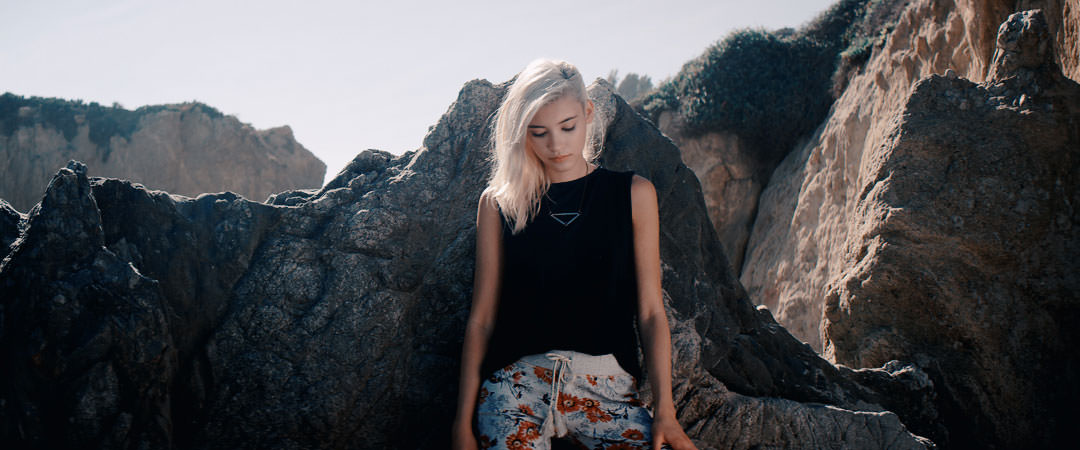
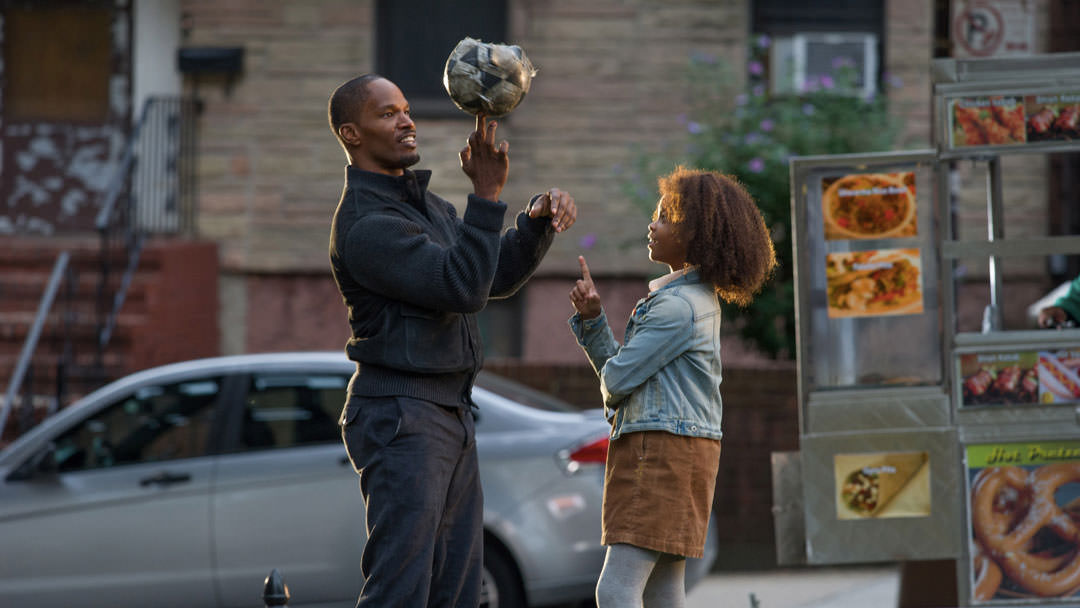
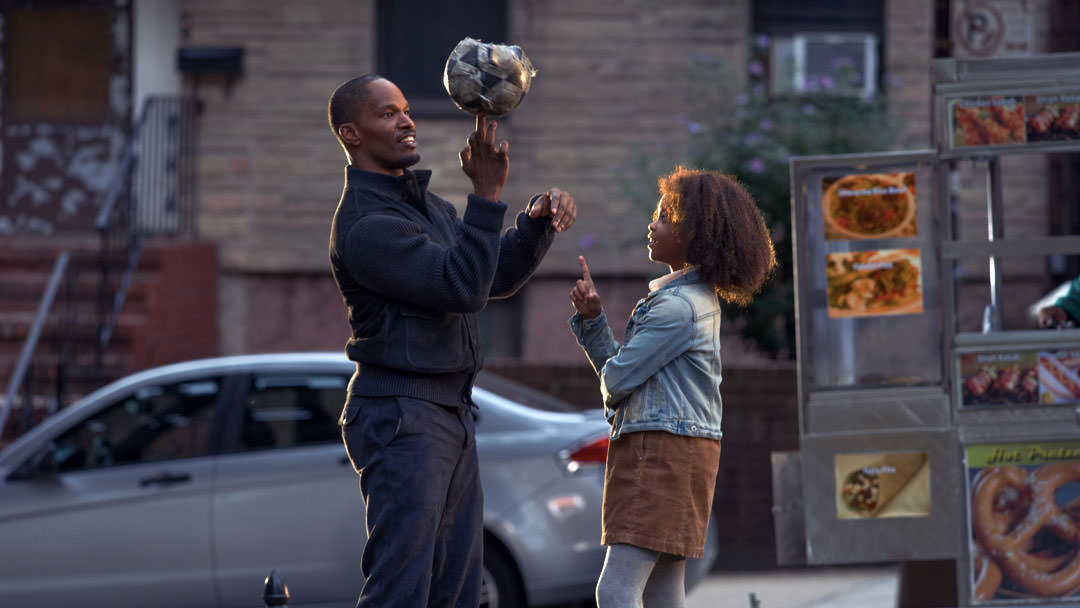
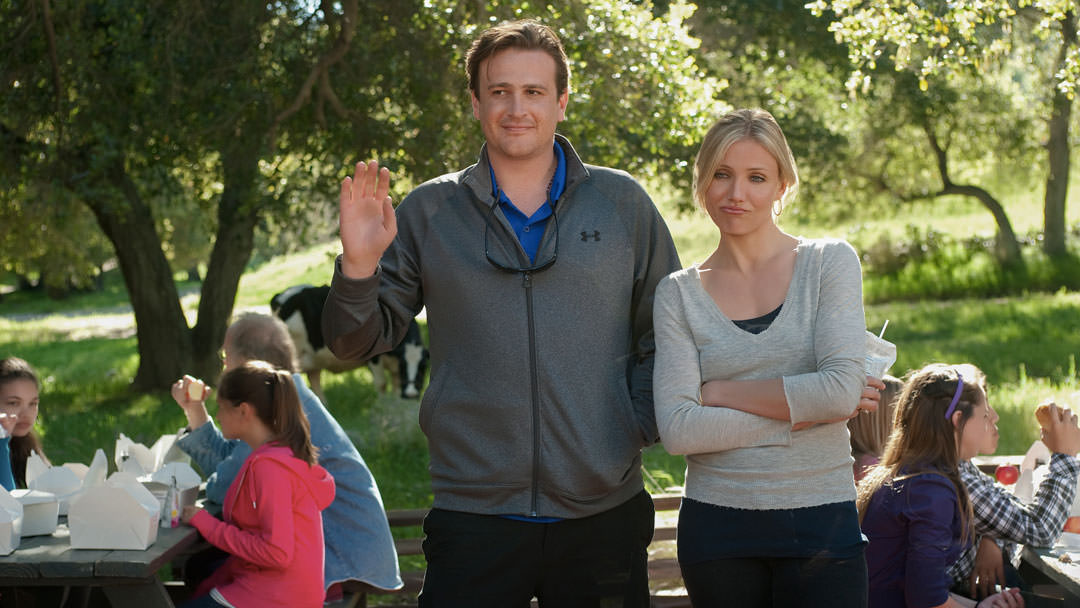
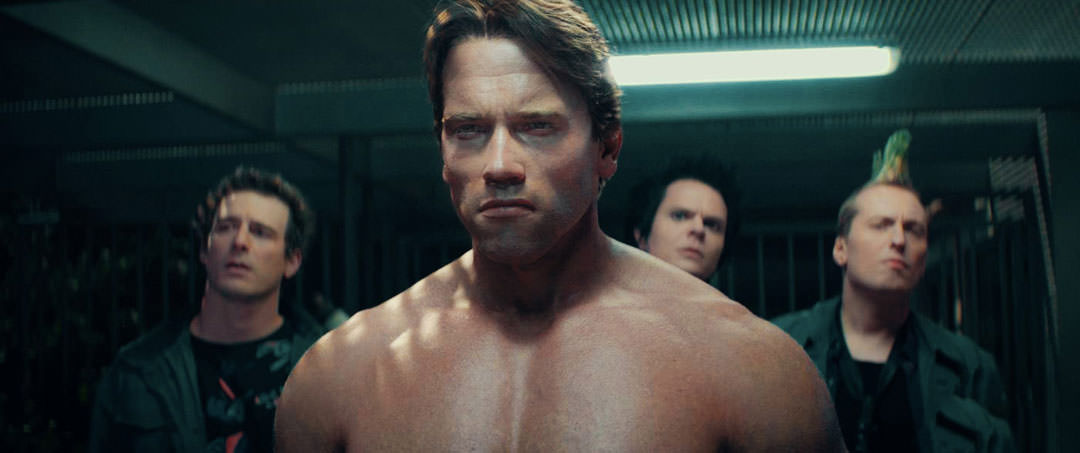
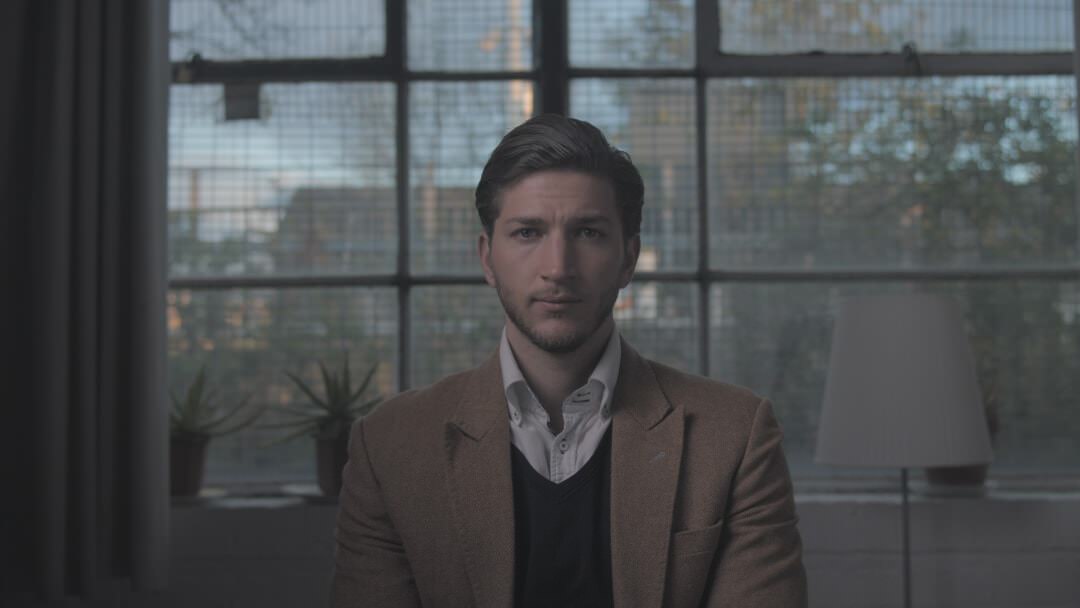
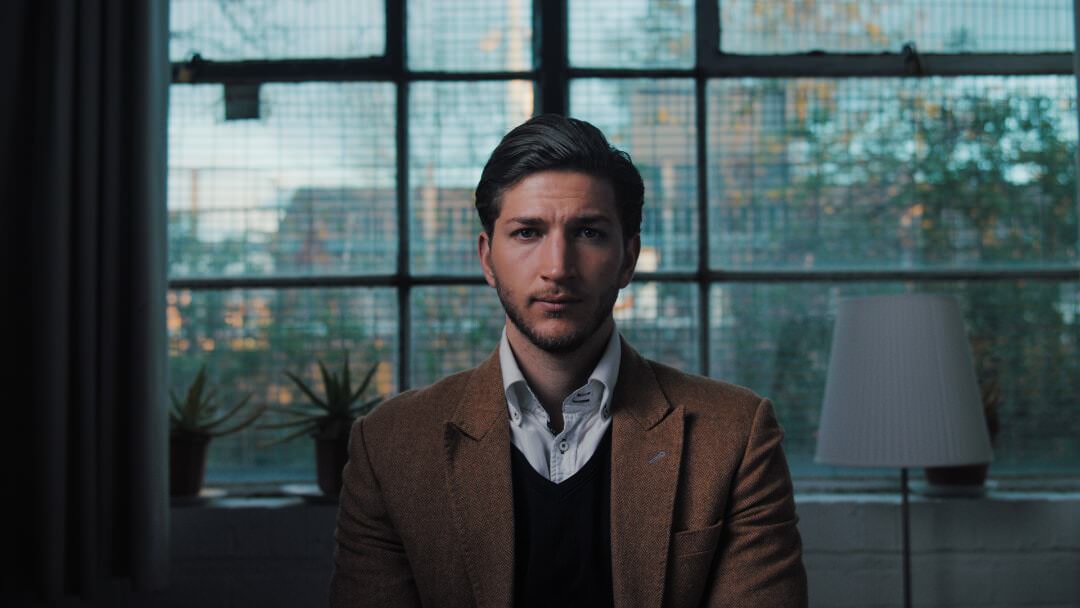
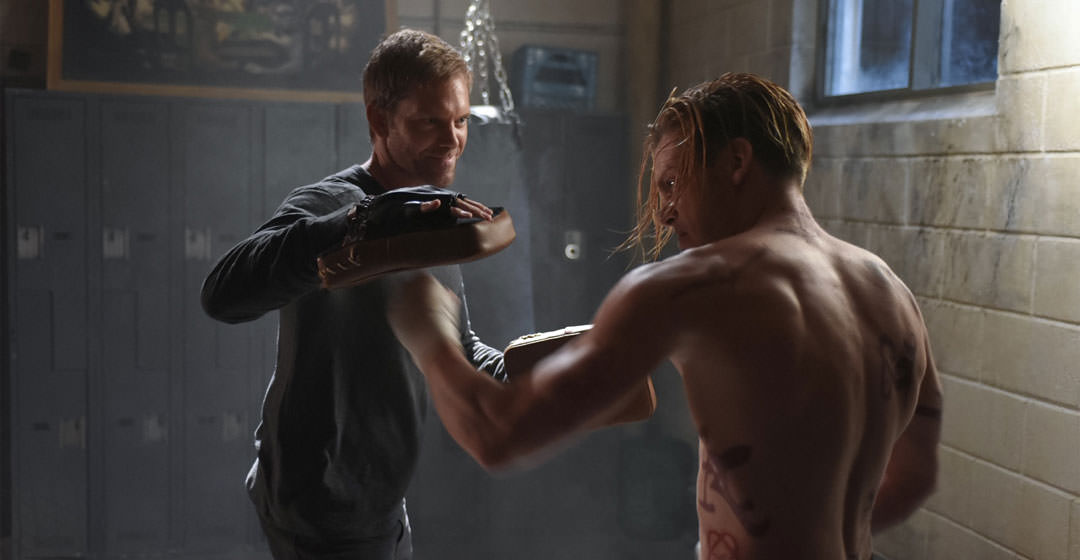
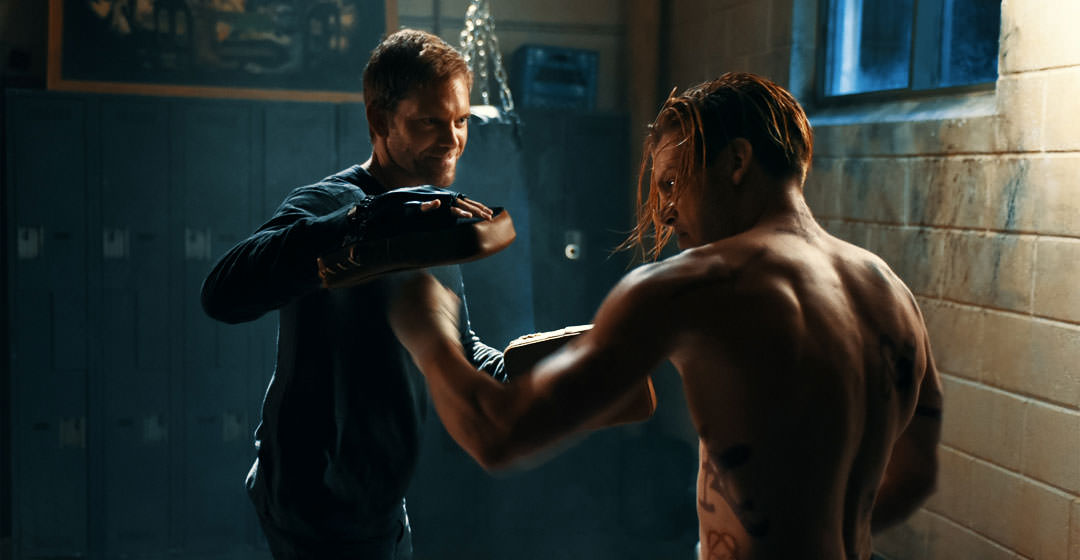
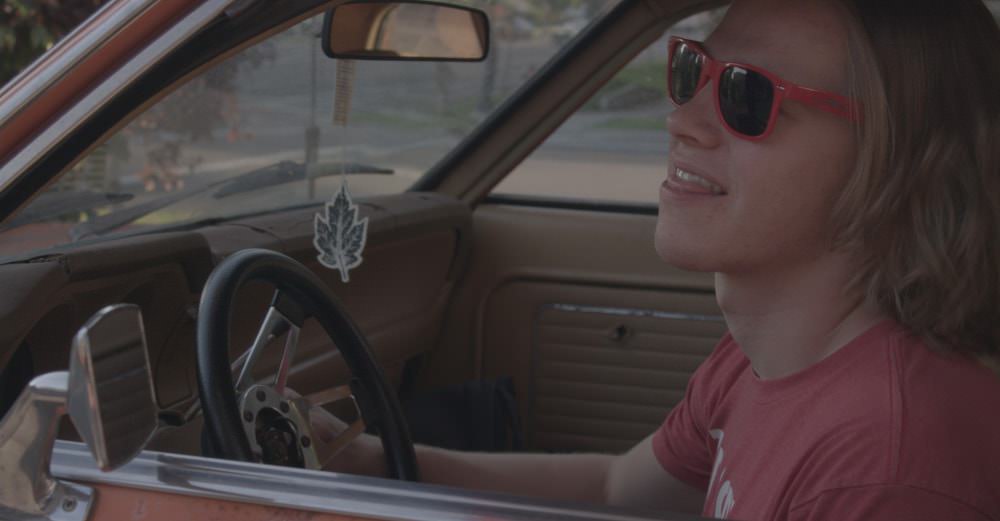
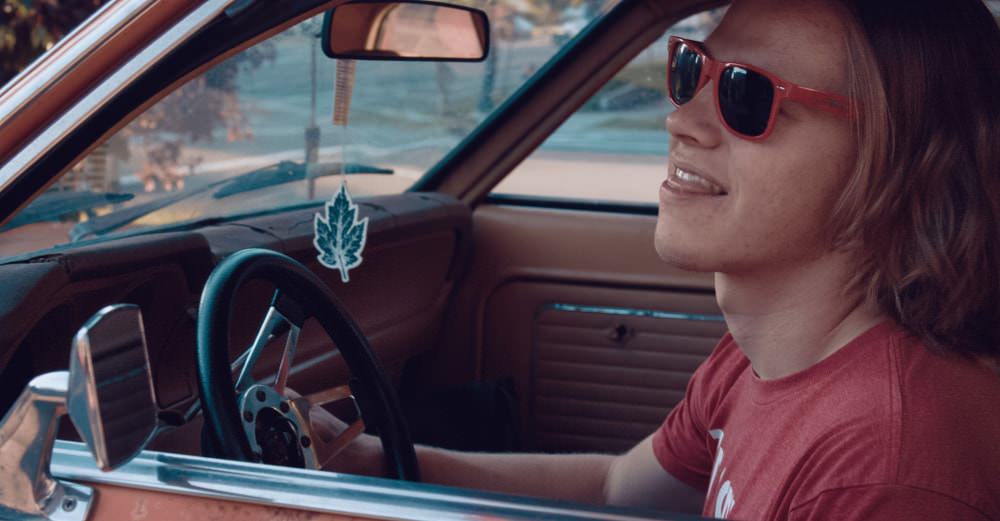
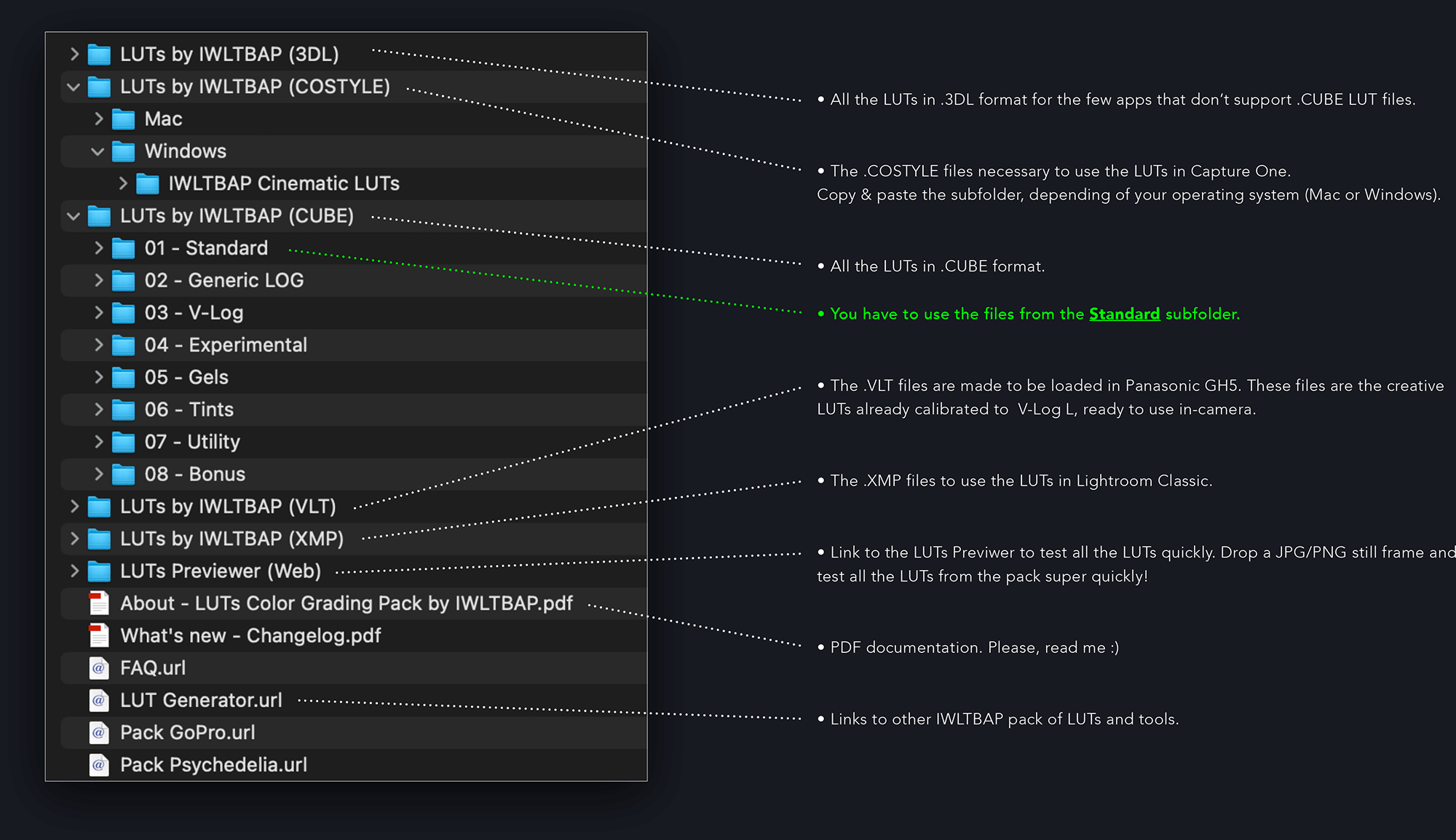
Content of the pack

Instant download ZIP 600 MB
Instead of $60 35% discount!
A Look-Up Table (LUT) is a file with .CUBE or .3DL extension, containing math instructions
to replace a color (based on RGB value) by another one. It's like a color grading preset.
This process is done pixel by pixel with a very high accuracy.
These LUTs are compatible with photos and videos shots from all cameras.

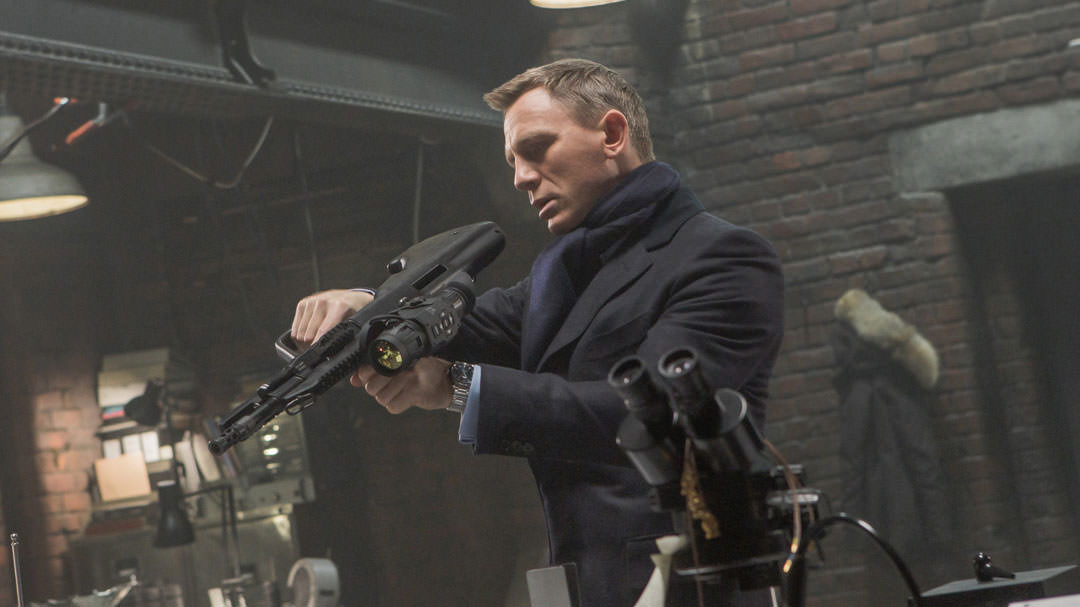
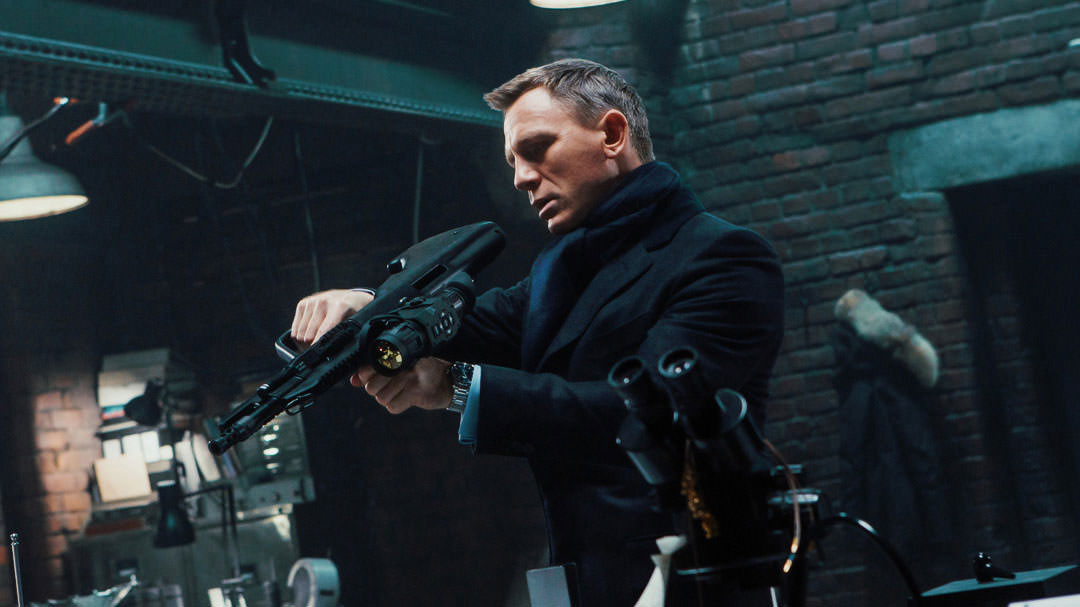
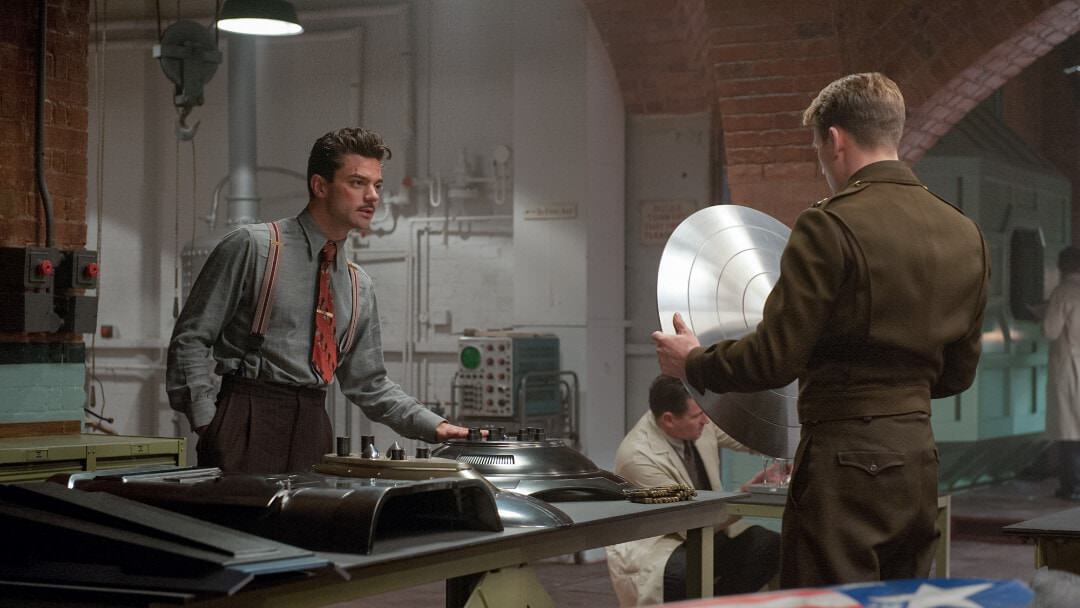
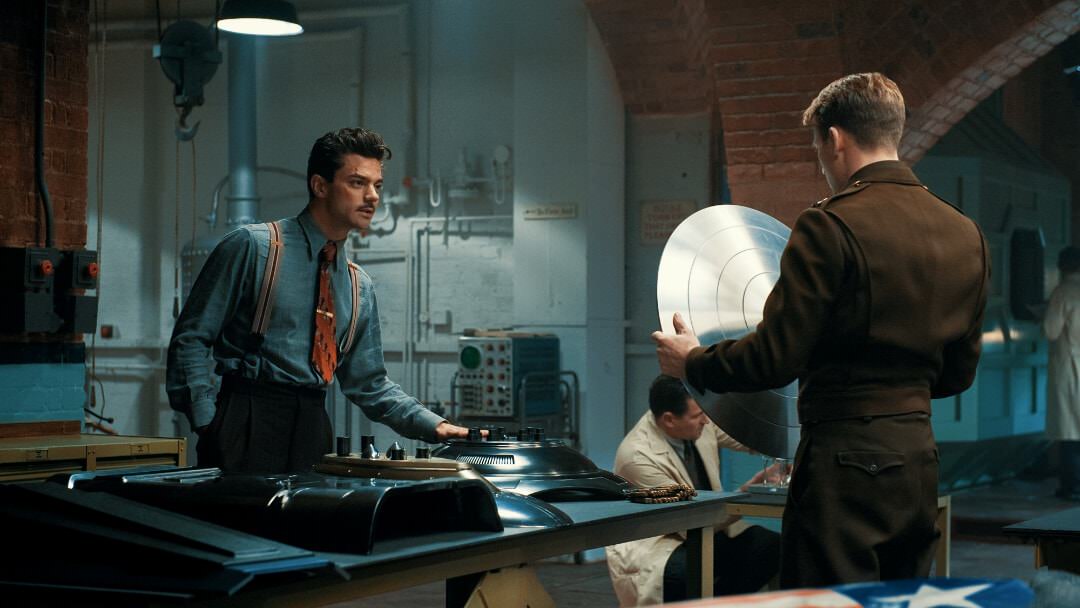
Pack of 325+ unique LUTs for an easy color grading process.
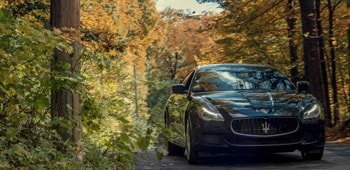
These presets are based on the most famous cinematic looks.
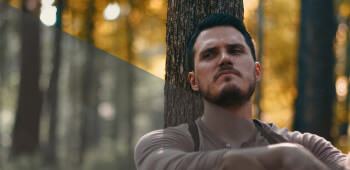
Designed to preserve maximum light & dark skin tones.
Used by professionals and recommended by Film Riot.
These LUTs are powerful tools for all filmmakers.
Check the reviews by Oliver Peters and Cinescopophilia.
In this pack you will find the LUTs optimized for standard image profile (Rec.709, sRGB).
Also is included a LOG version (for flat image profiles) and a V-Log L version (for the GH4/5/6).
For owners of GH5/6: in the pack is included a .VLT version of the LUTs, so you can load them in-camera
These LUTs are fully compatible with footages from all kind of cameras:
Arri Alexa, Blackmagic, RED, GH4/5/6, Samsung NX1, Lumix LX100, Sony α7S, GoPro,
Sony RX10, Samsung NX500, Canon 5D Mark III, 600D, 80D, Sony α6300 and α6500,
Sony FS5 and FS7, Nikon D750, KineMAX, DJI Osmo, Mavic, Inspire, etc.
Absolutely all cameras!
Get the full pack nowInstant download (ZIP 700MB)
These presets can be used with the most photo and video editing softwares (Mac/Windows):
Adobe Photoshop
Adobe After Effects
Adobe Premiere Pro
Adobe Lightroom Classic
Adobe SpeedGrade
Avid Media Composer
The Foundry NUKE
DaVinci Resolve
Assimilate Scratch
Edius
CyberLink ColorDirector
Final Cut Pro X
Sony Vegas
Wondershare Filmora
PowerDirector
Capture One
Affinity Photo
ON1 Photo RAW
HitFilm
Pixelmator
Photomator
OBS Studio
Media Grade (iOS)
Video LUT (iOS)
LumaFusion (iOS)
3DLUT mobile (iOS/Android)
and more :-)
For Adobe Premiere Pro CC 2015.3 up to version 2025, here is how to install:
Mac: https://vimeo.com/197112054
Windows: https://vimeo.com/197124387
For old version Adobe Premiere Pro CC 2015, here is how to install:
Mac: https://vimeo.com/197127837
Windows: https://vimeo.com/197135144
For Final Cut Pro X 10.4 you don’t need any plugin! Just follow these tutorials:
https://youtu.be/fNXXEOxaDf4
https://youtu.be/N83JXZM5gBI
How to use in Photoshop: http://ow.ly/ZpqZy
How to use in After Effects: https://youtu.be/_39GzdjZKmA
How to use in DaVinci Resolve: https://youtu.be/R_PPxcNeYZg
How to use in Assimilate Scratch: https://youtu.be/p34z7SlmlLI
How to use in Edius: https://youtu.be/IwMI0el2THk
How to use in Vegas Pro: https://youtu.be/AhiTzcZyP5I
How to use in PowerDirector: https://youtu.be/-XI4uXWY5Ts
How to use in CyberLink ColorDirector: https://youtu.be/ivwJjGaFQ2I
How to use in ON1 Photo RAW: https://youtu.be/urtNZ2HSooE
Install in Lightroom Classic: https://youtu.be/noK12IhzQ3U
Install in Capture One: https://luts.iwltbap.com/faq/#how...capture-one
This pack contains LUTs as .CUBE and .3DL files (size 33x33x33), and a complete PDF guide.
Also is included tints LUTs to give a color atmosphere without affecting other color settings.
LUTs in the pack : standard, LOG, V-Log, tints, gels and utility LUTs.
Regularly I update this pack with new looks (free updates, you'll receive an email with download link).
Current version: v25 (February 2025)
Payment process is managed by SendOwl, a fully secured platform.
You can pay with your card or with your PayPal account.
You'll receive a download link in your mailbox just after the payment.
325+ unique and powerful LUTs
15 tints LUTs combinable with looks
6 gels LUTs inspired by Roscolux gel filters
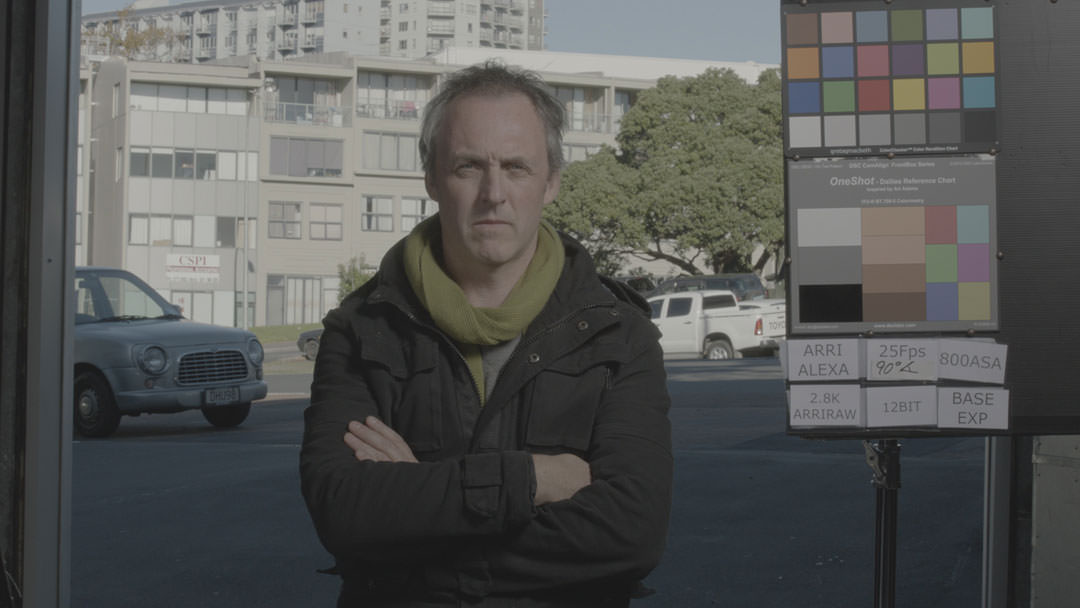
5 cine base LUTs to simulate Arri Alexa colors
LUTs DeLOG online web app
Profiled on high-resolution color matrix
For standard image profiles, LOG and V-Log
.XMP files for Lightroom Classic
.ICC & .COSTYLE files for older Lightroom & Capture One
.LOOK files for Premiere Pro CC 2015 Lumetri
.VLT files to load the LUTs in Panasonic cameras (GH5, …)
90+ specific LUTs to convert LOG profiles to Rec.709
Usable in ACES pipeline
Skin tones preserved
Lifetime free updates!
Instant delivery by email
Instant download
ZIP 600MB (1.45GB uncompressed)
Question or trouble? Contact me
Terms of sales
Discover all LUTs included in the pack before buying.
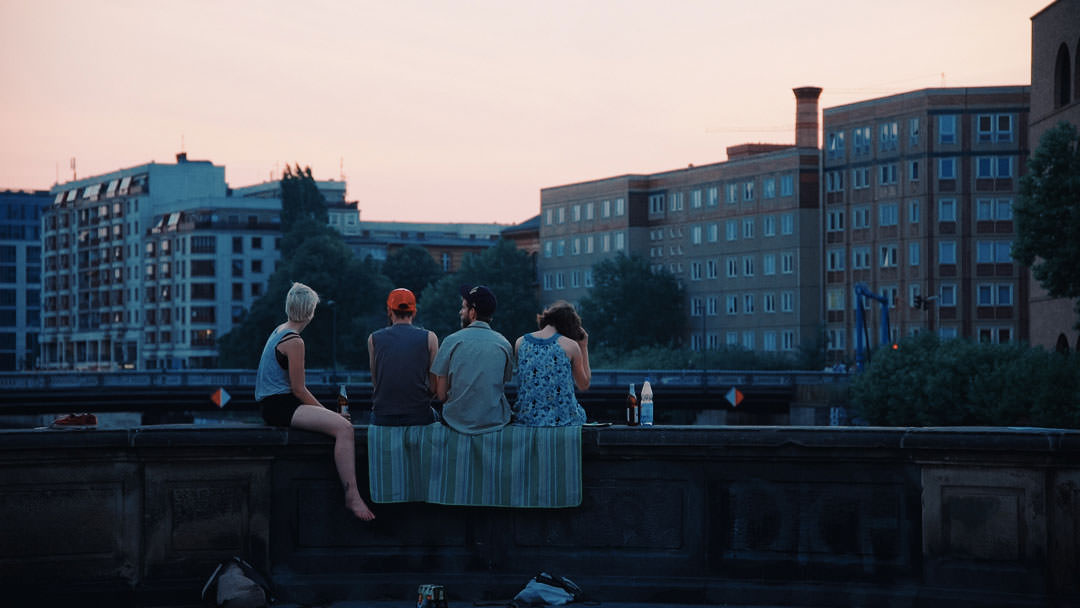
Because you are curious, here are 10+ LUTs from this pack. So, you can test them and see how it works on your images
ZIP 65MB
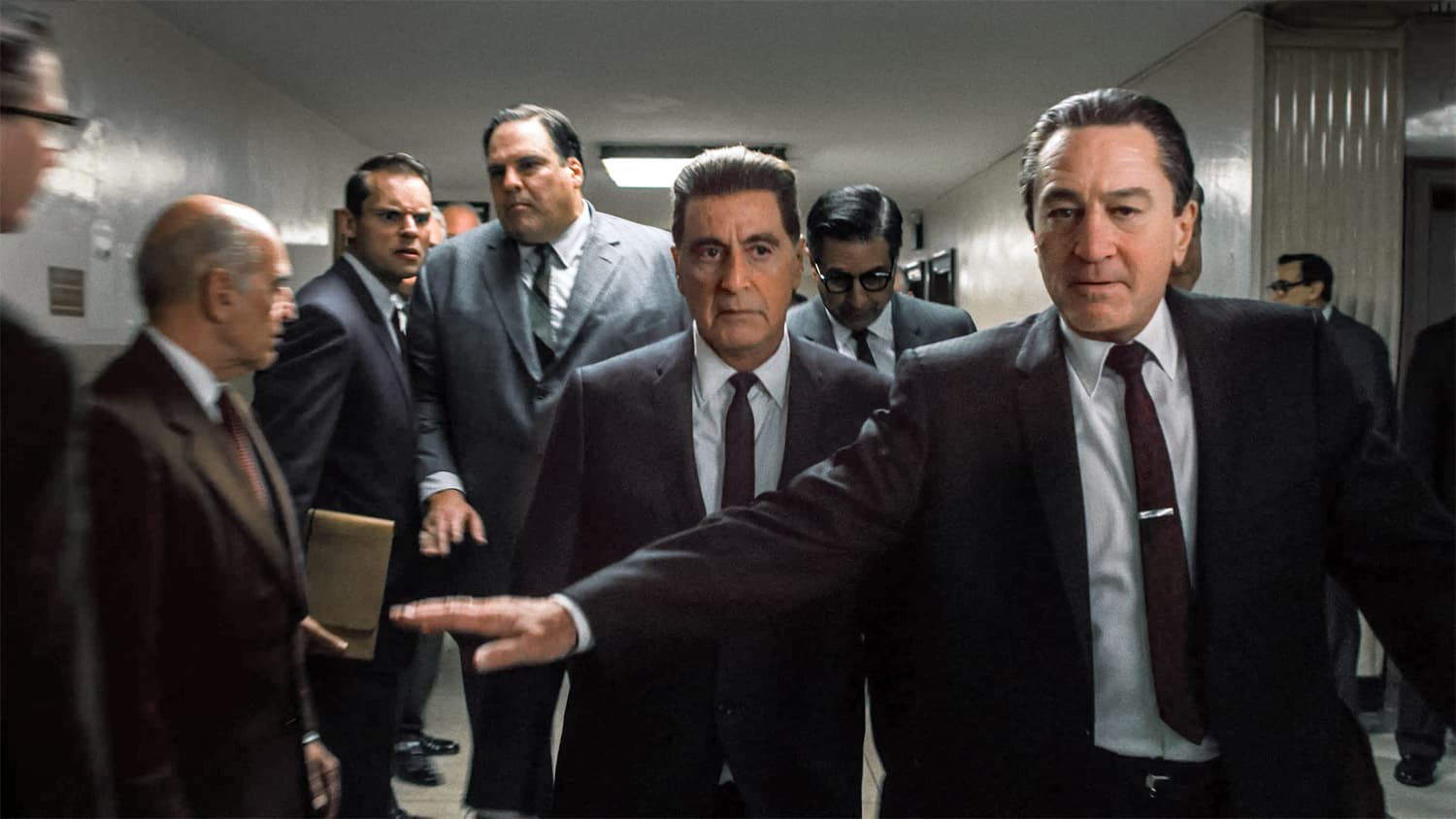
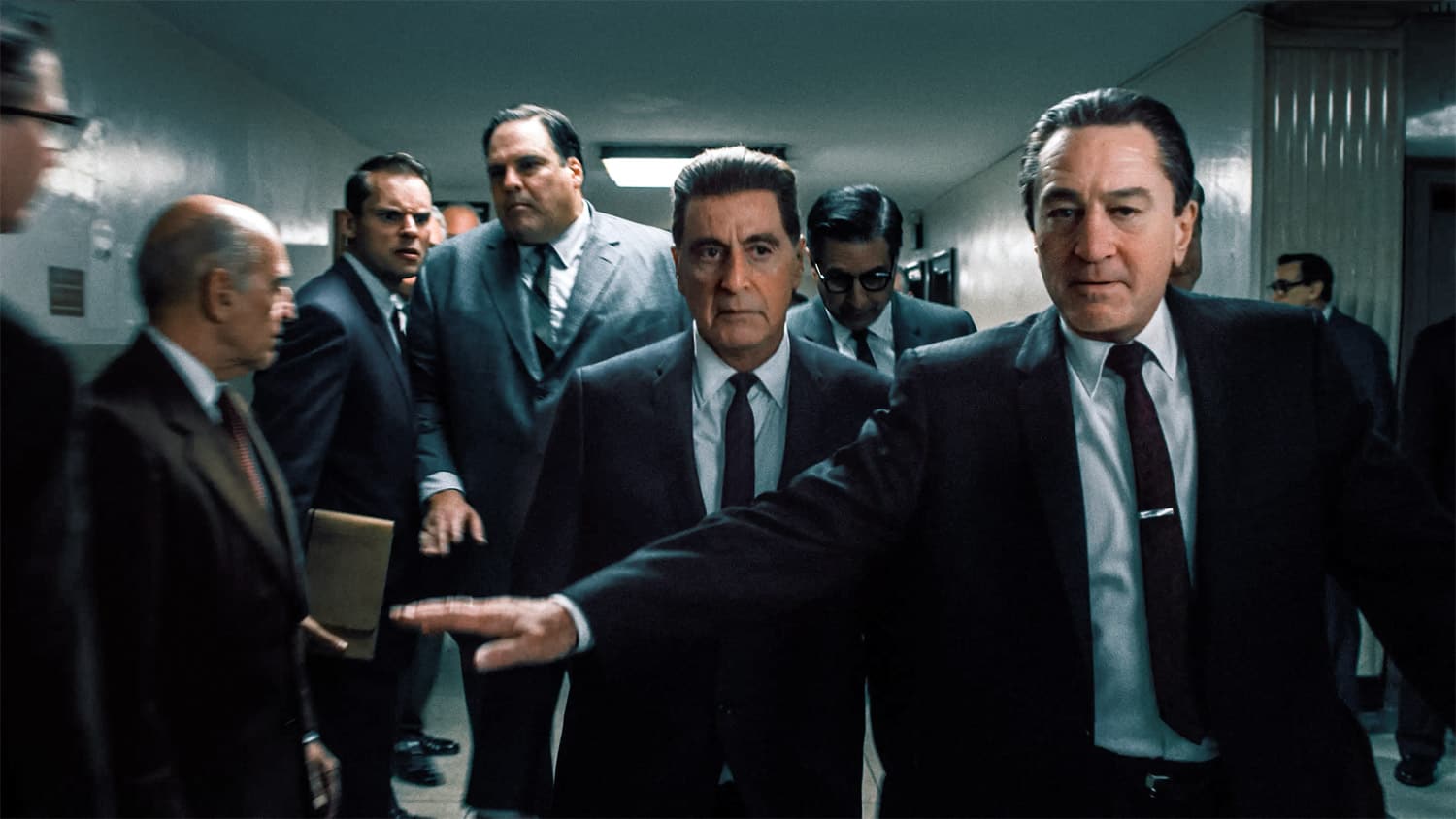
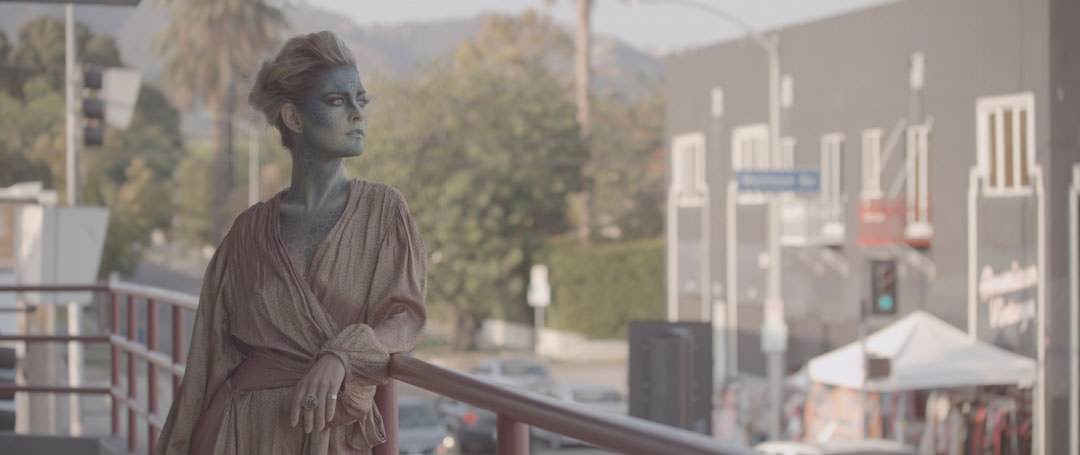
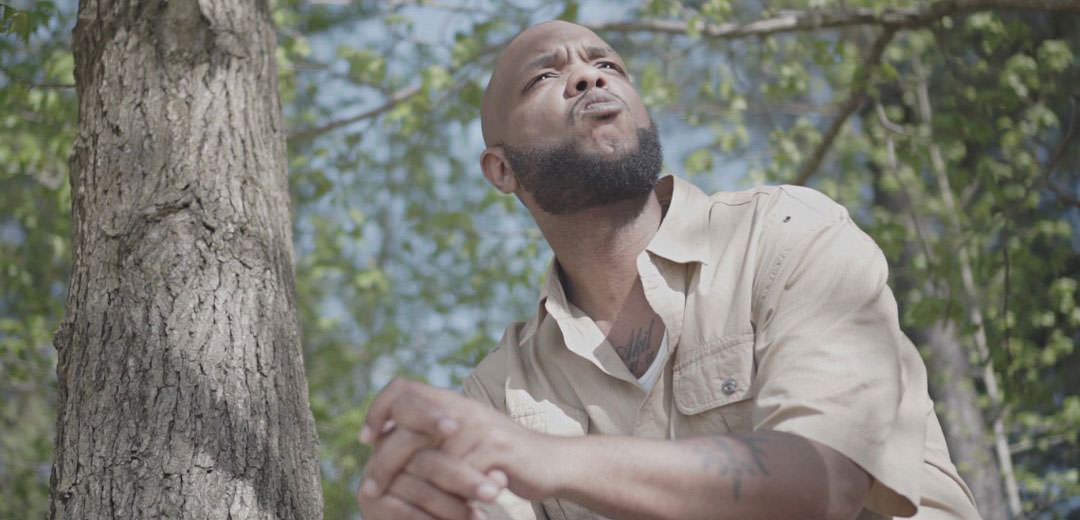
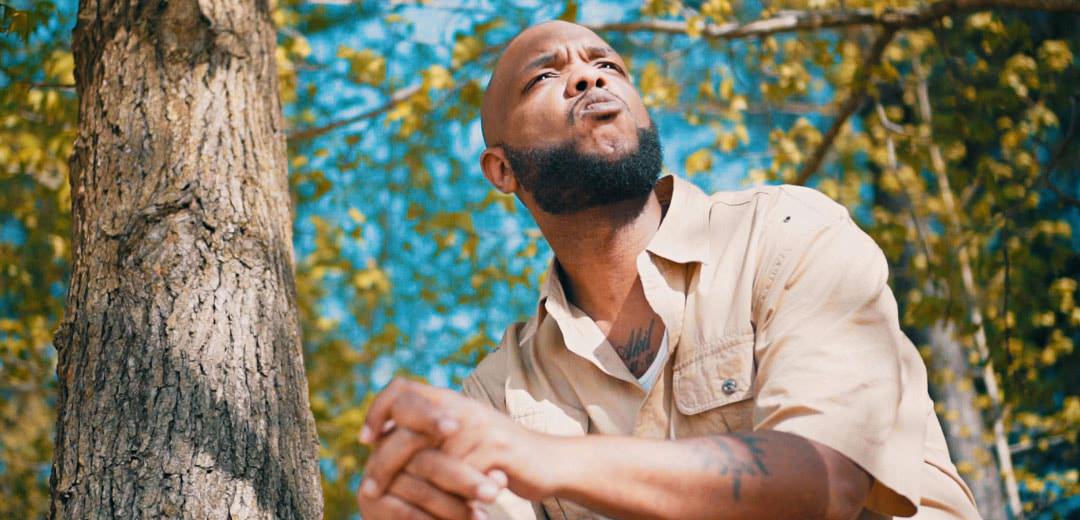
If you want to test all the LUTs before buying, I made an online web application to apply LUTs on JPG/PNG images in a click.
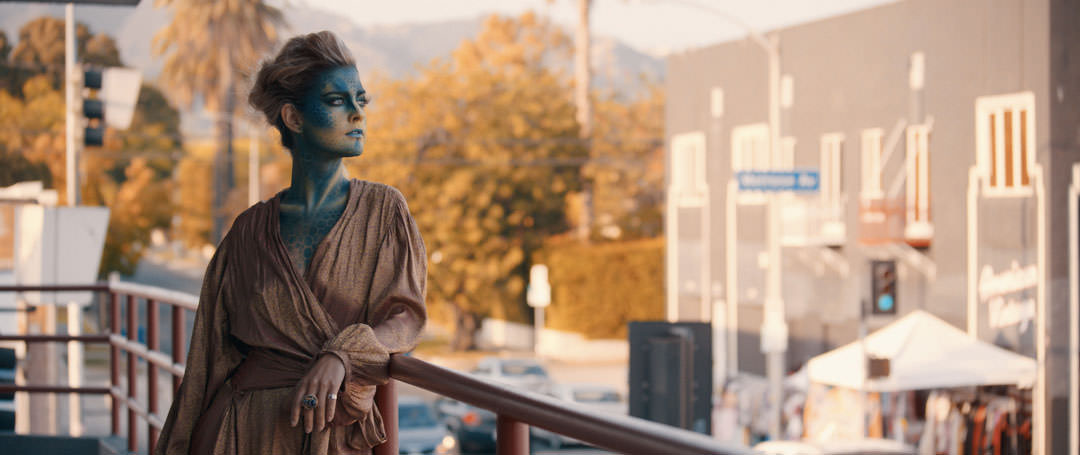
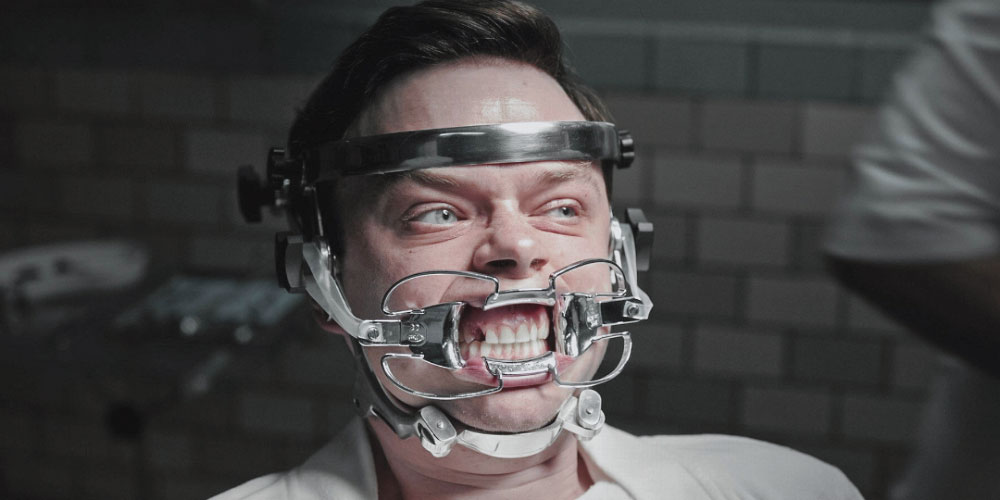
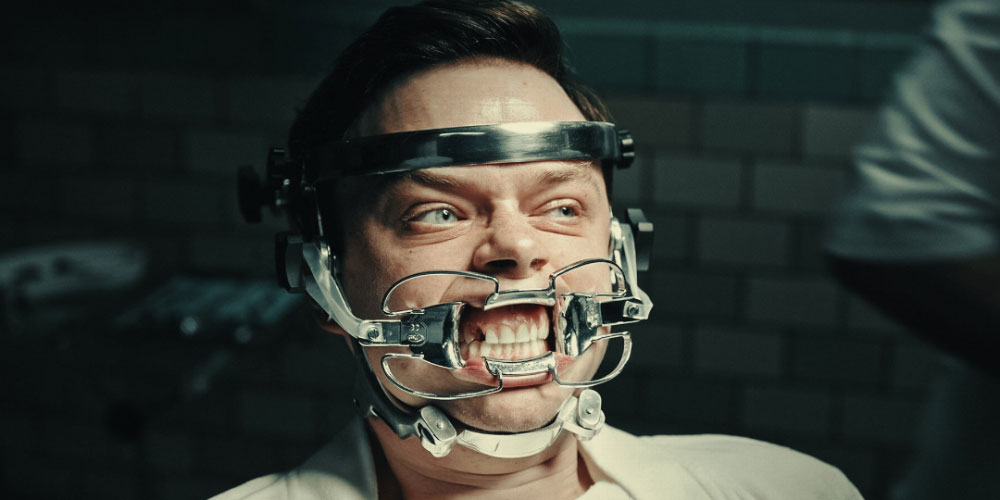
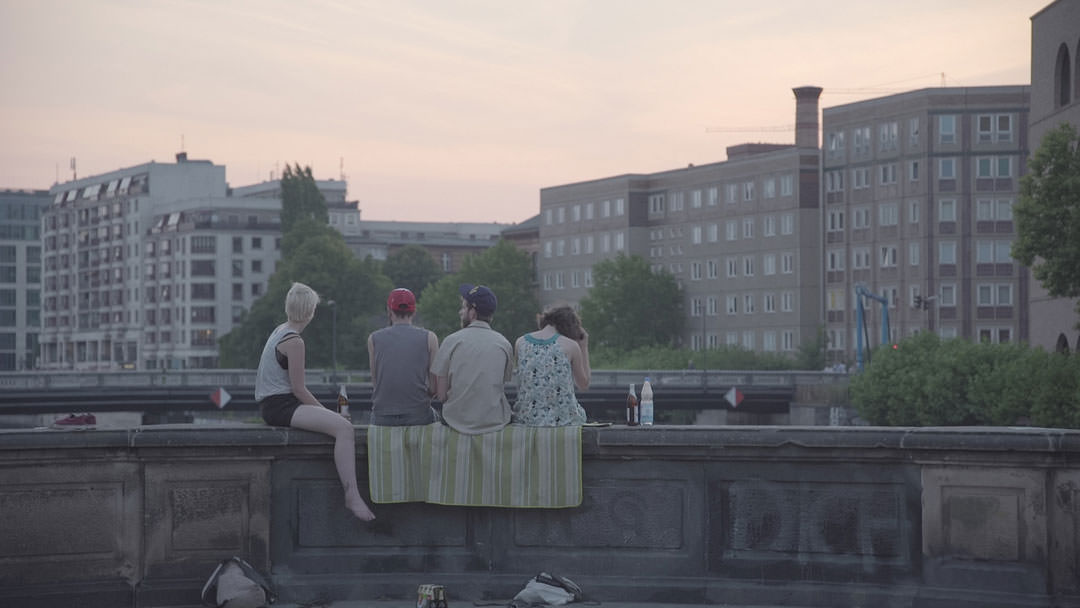
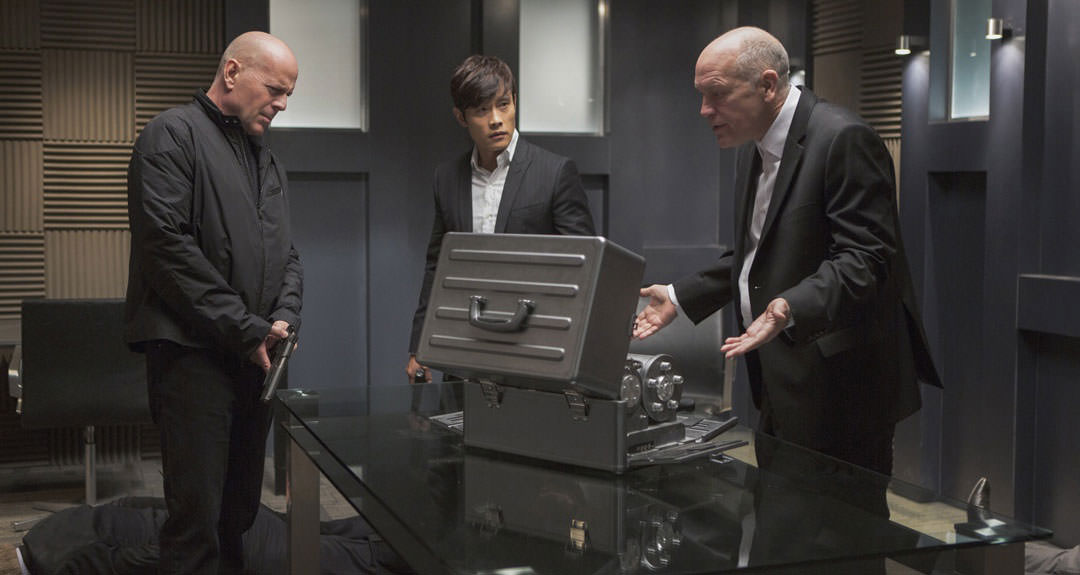
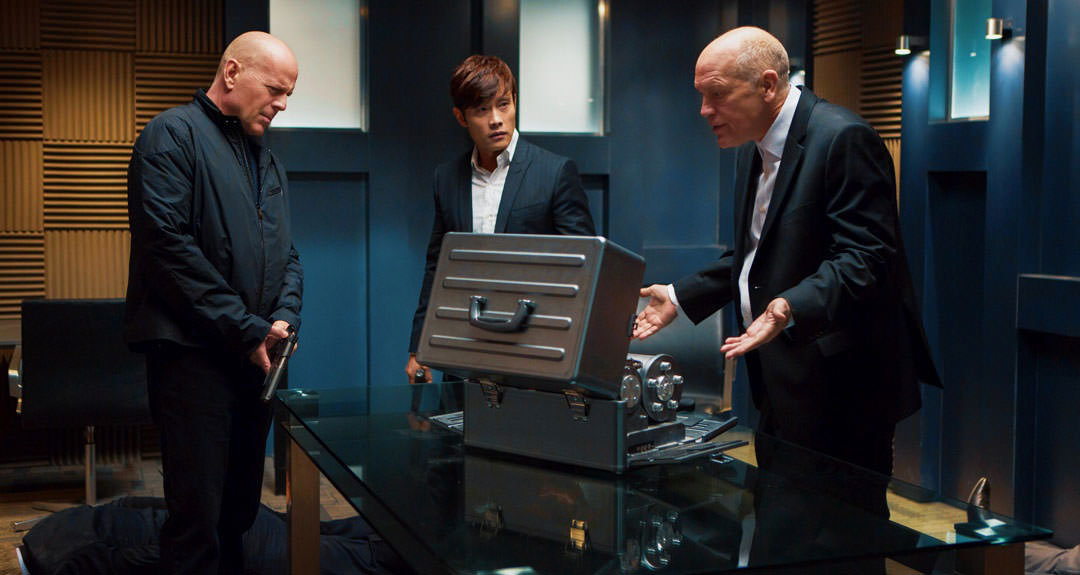
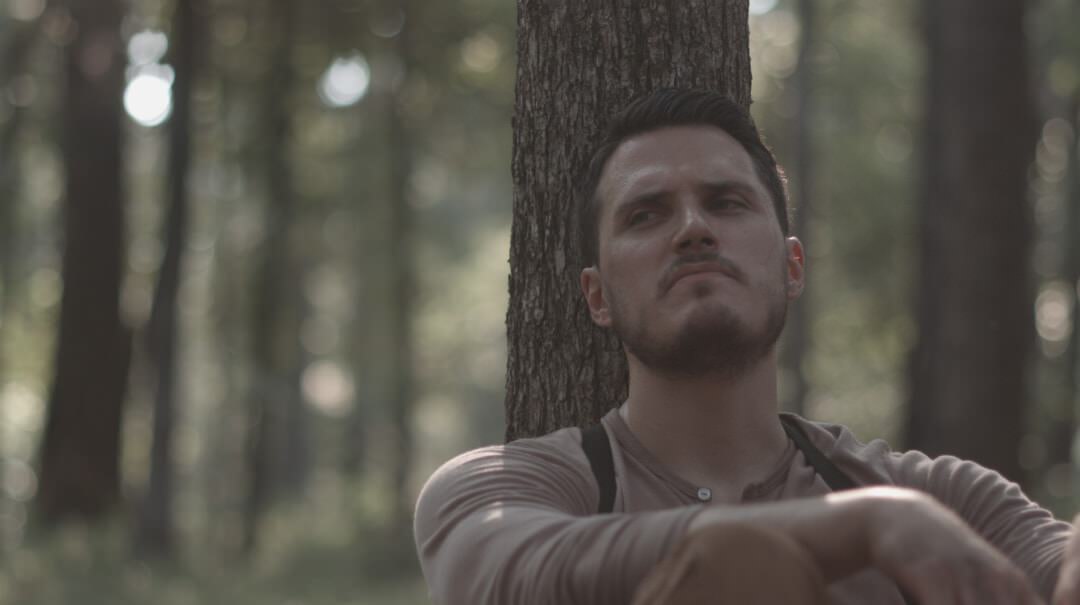
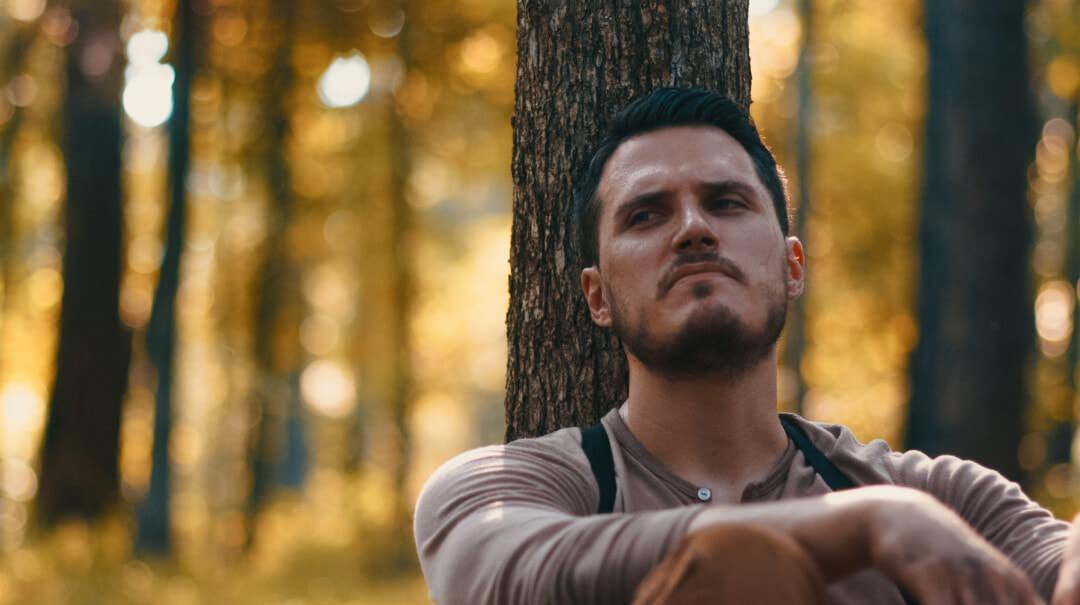
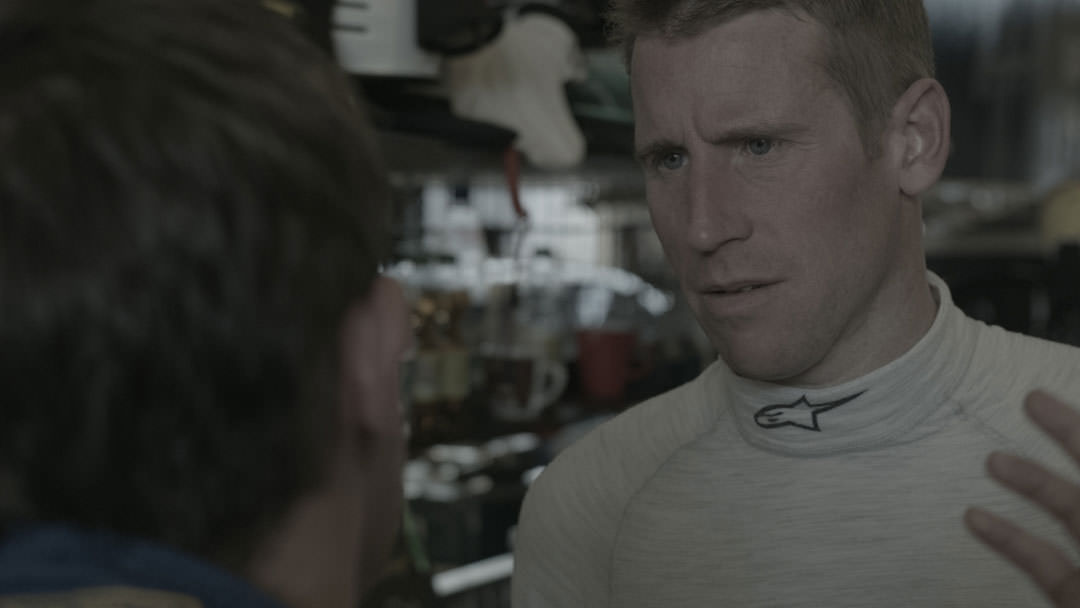
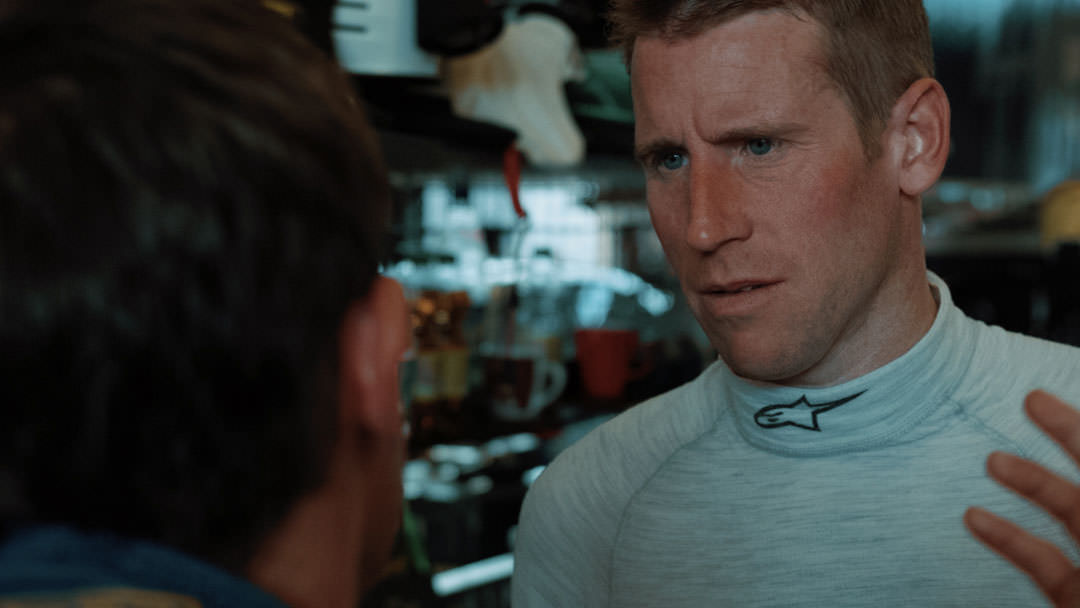
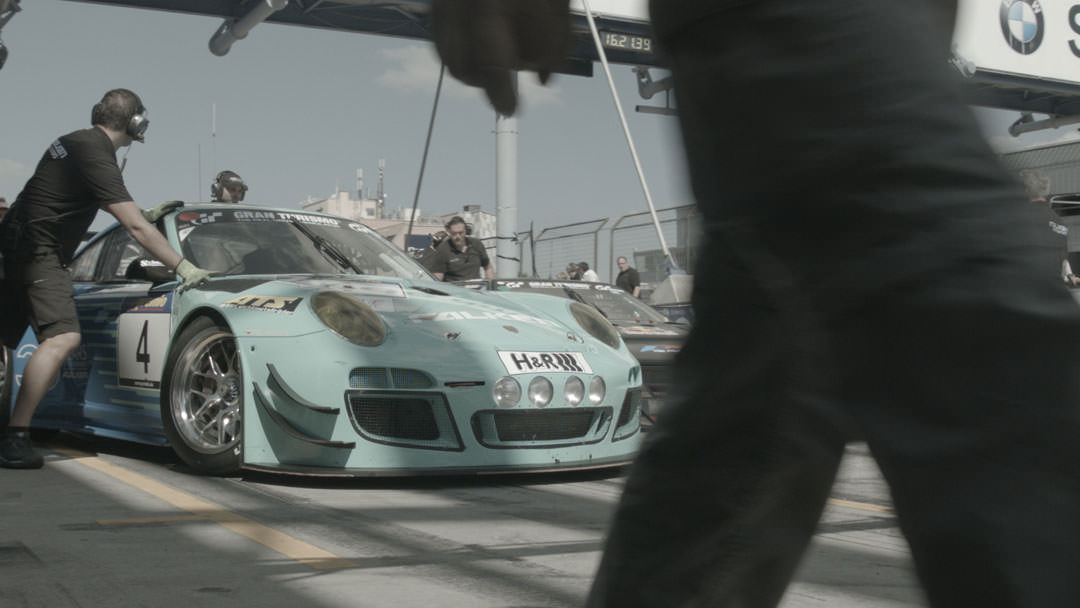
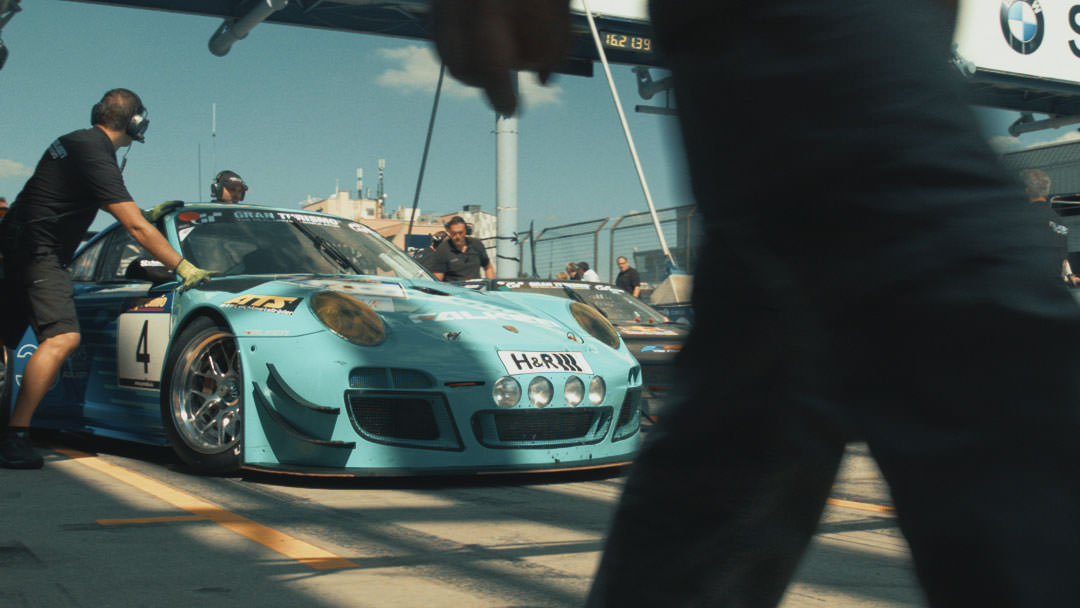
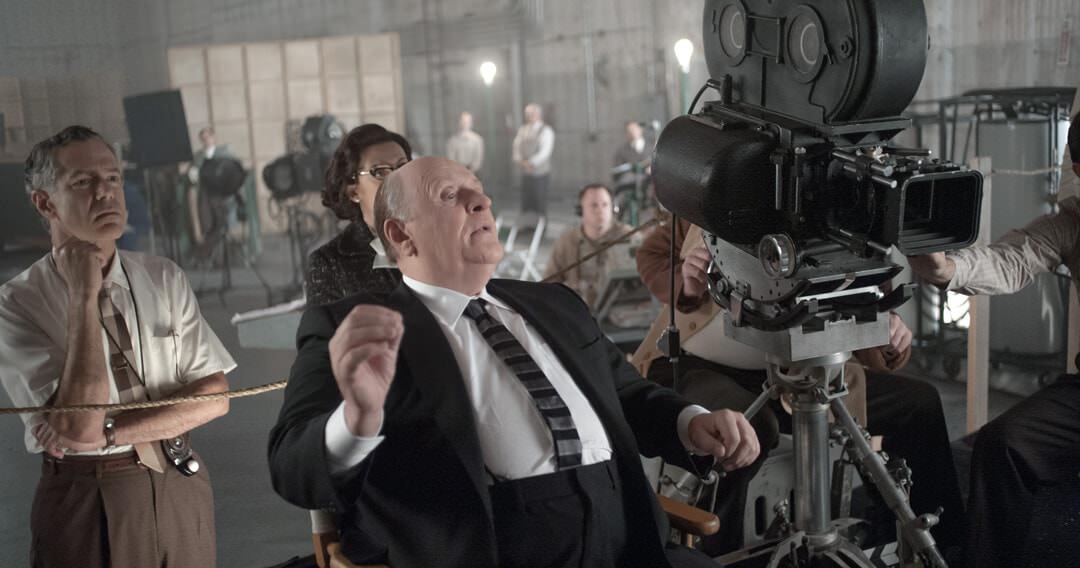
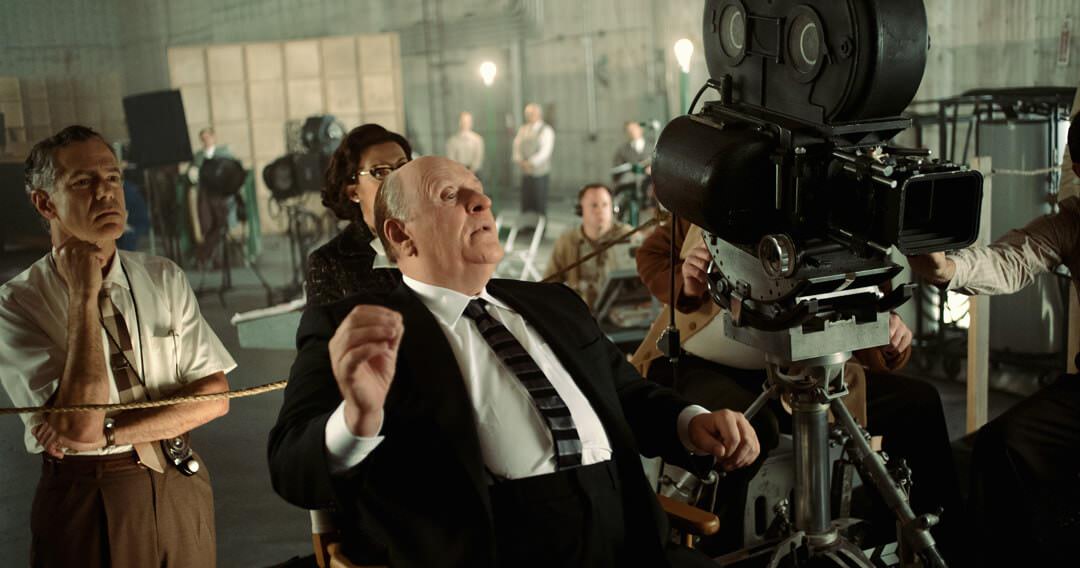
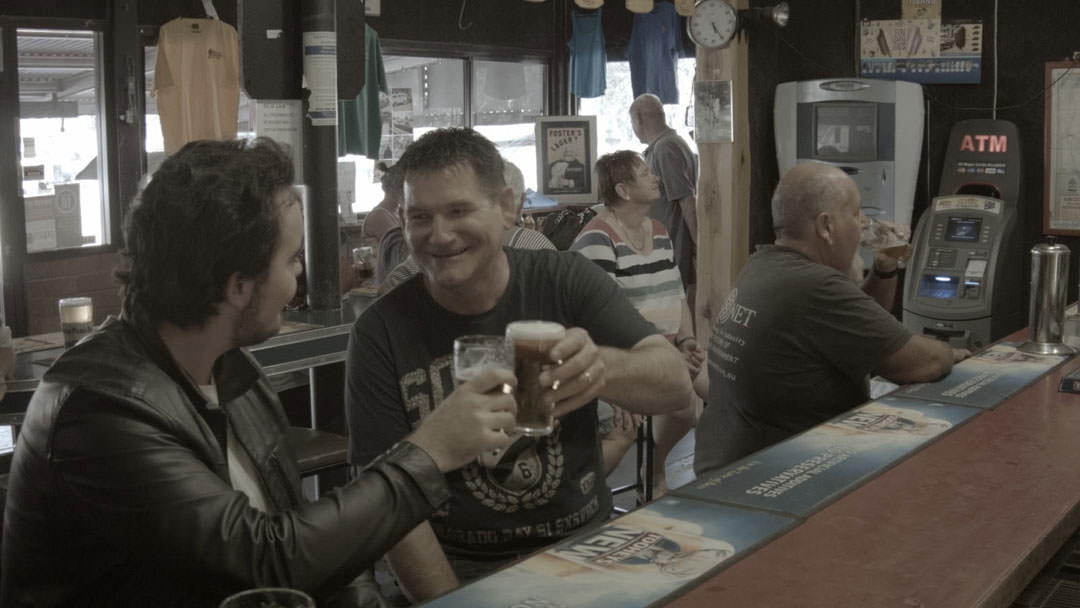
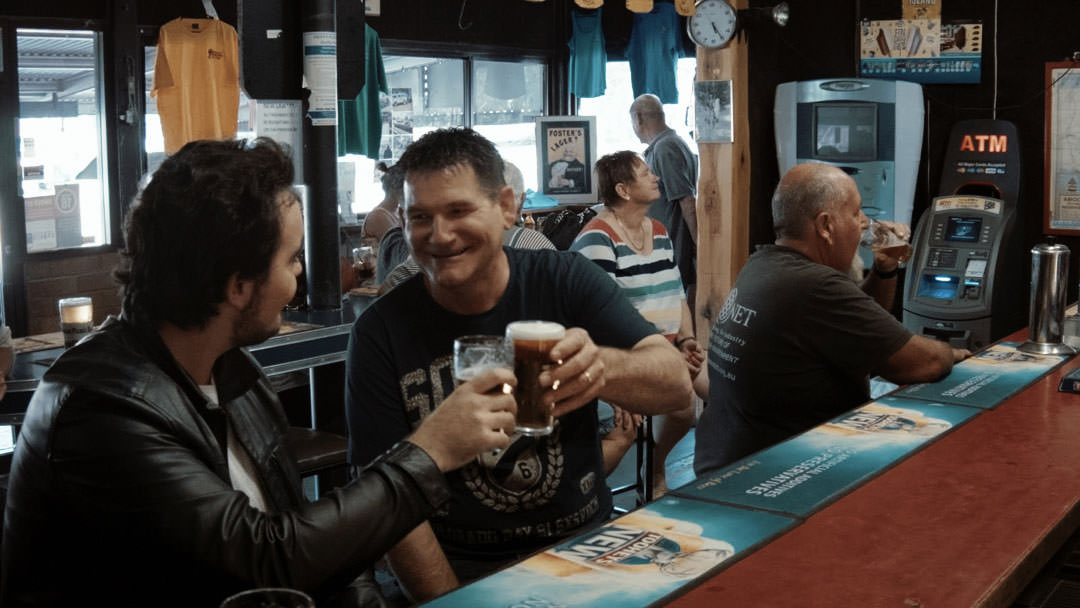
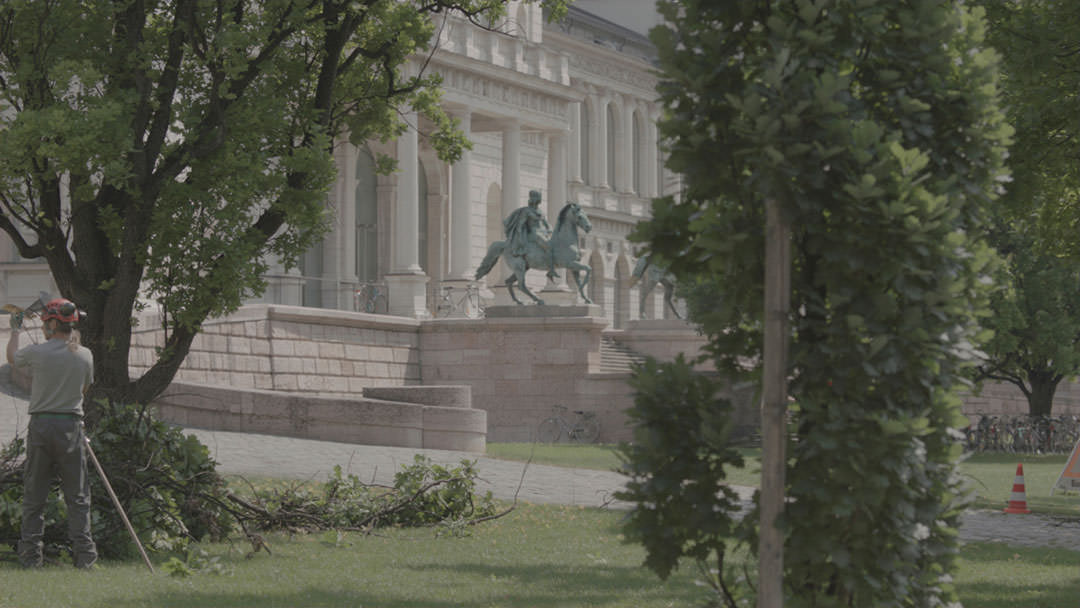
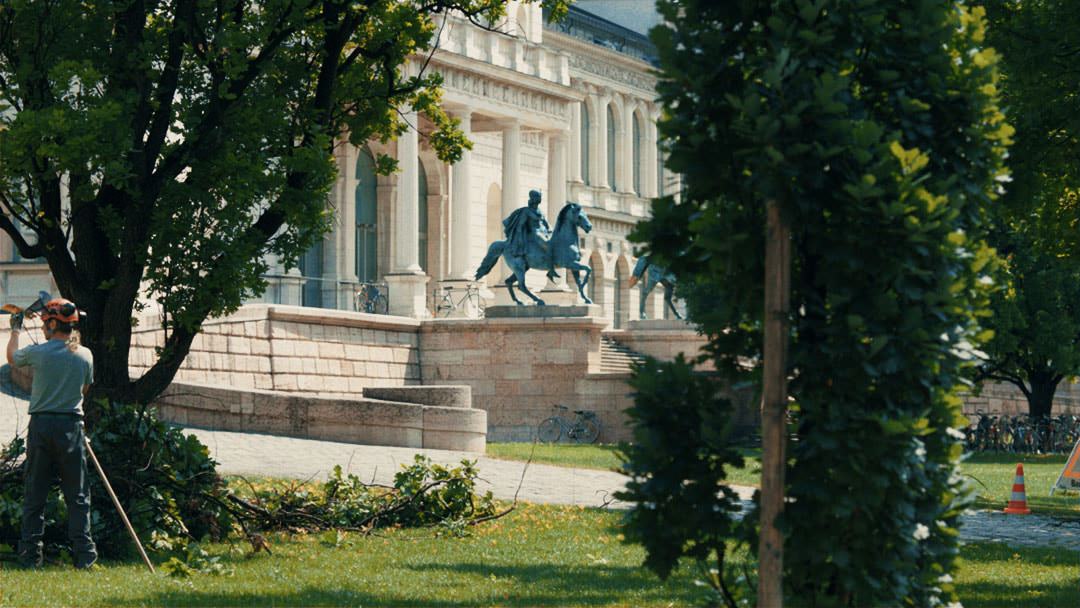
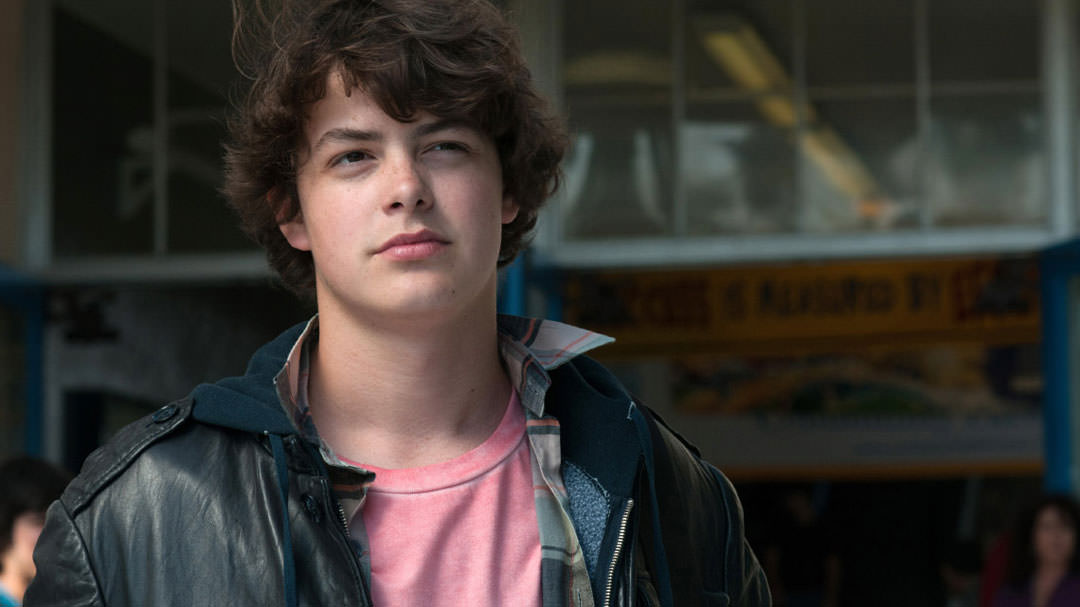
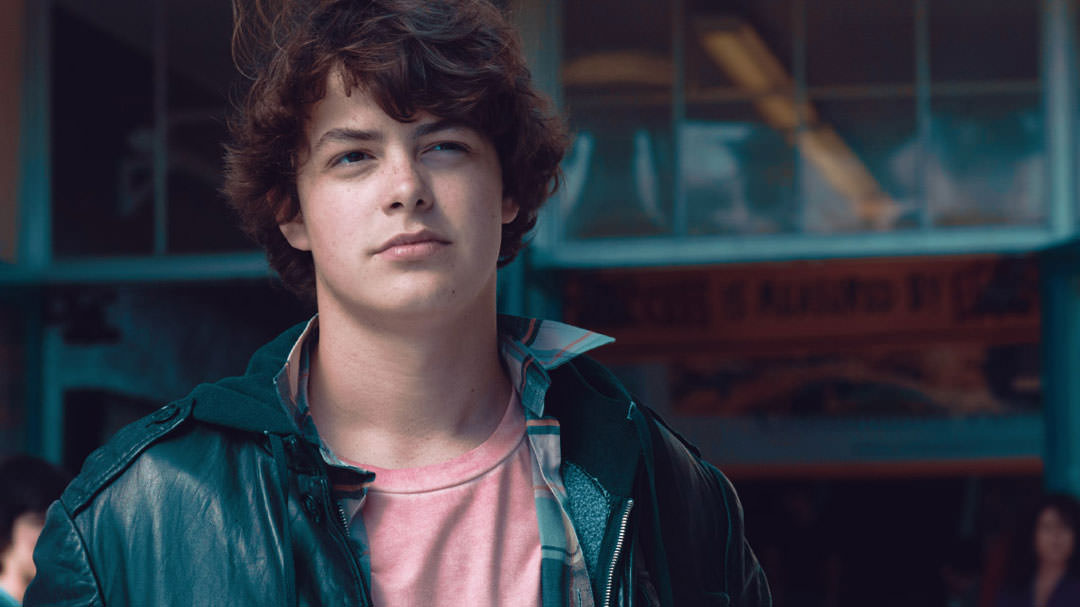
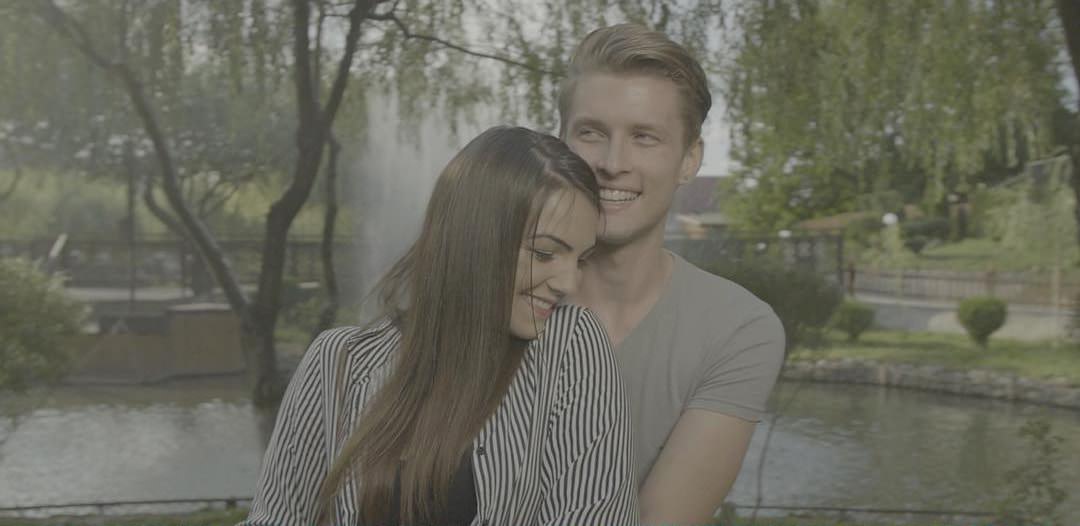
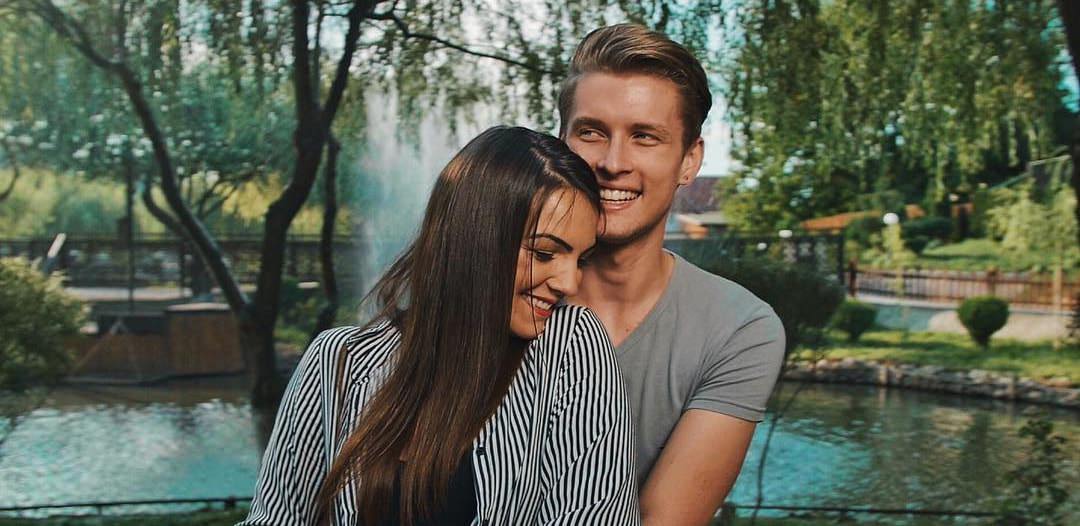
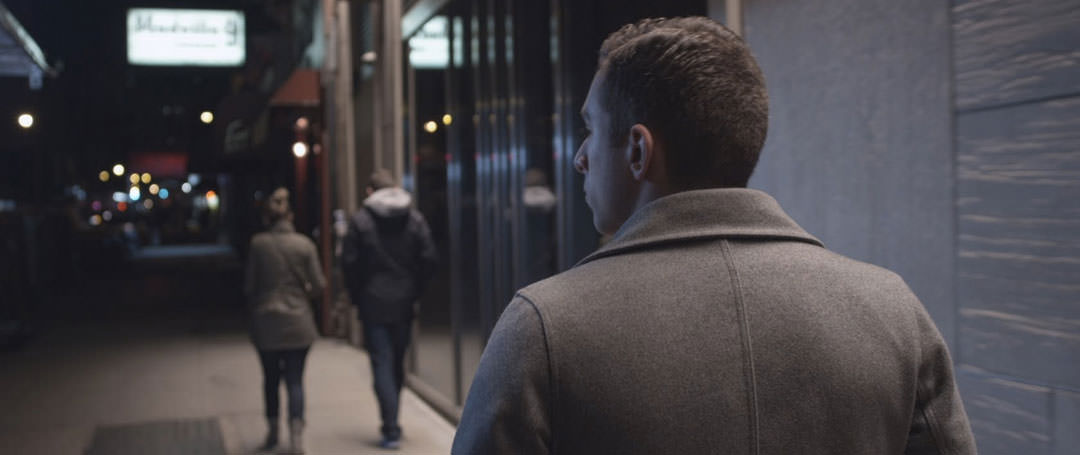
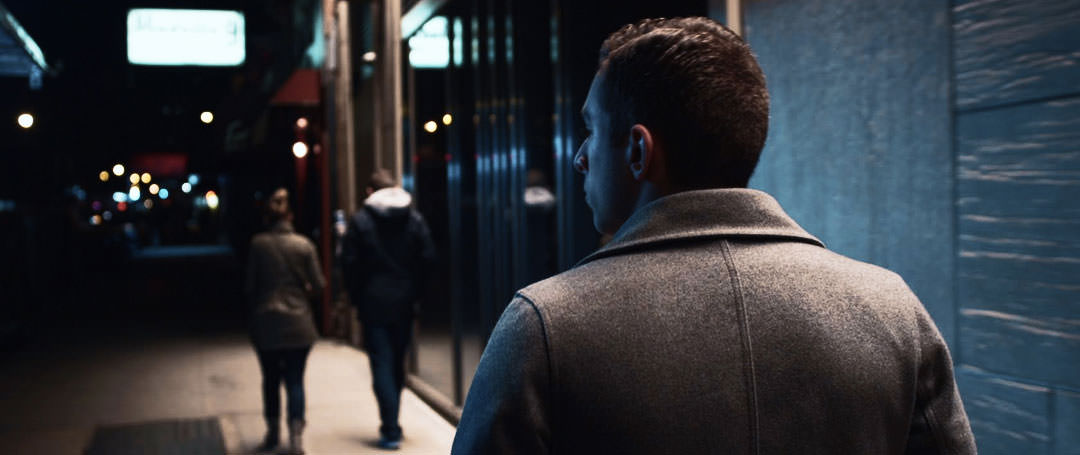
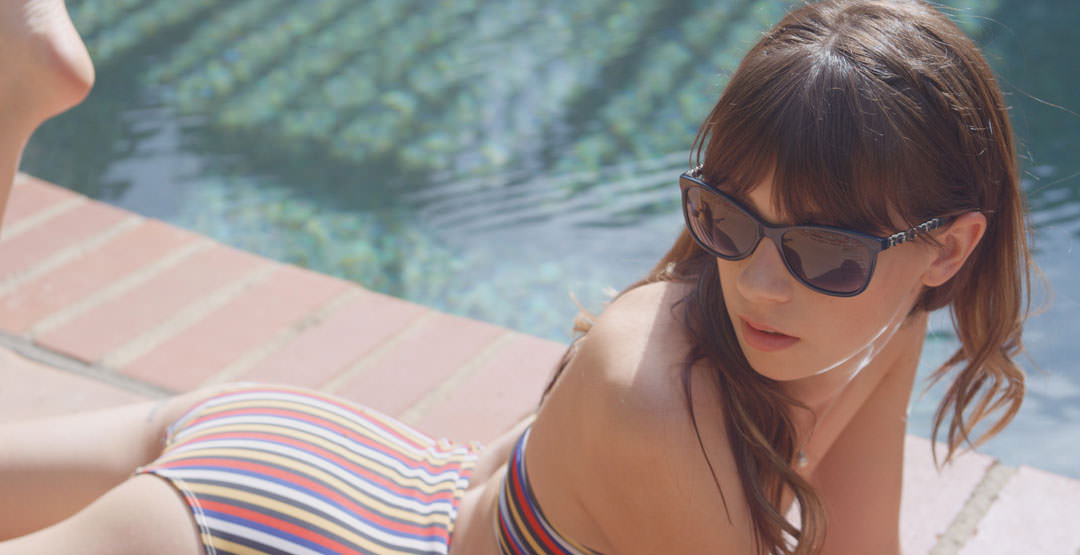
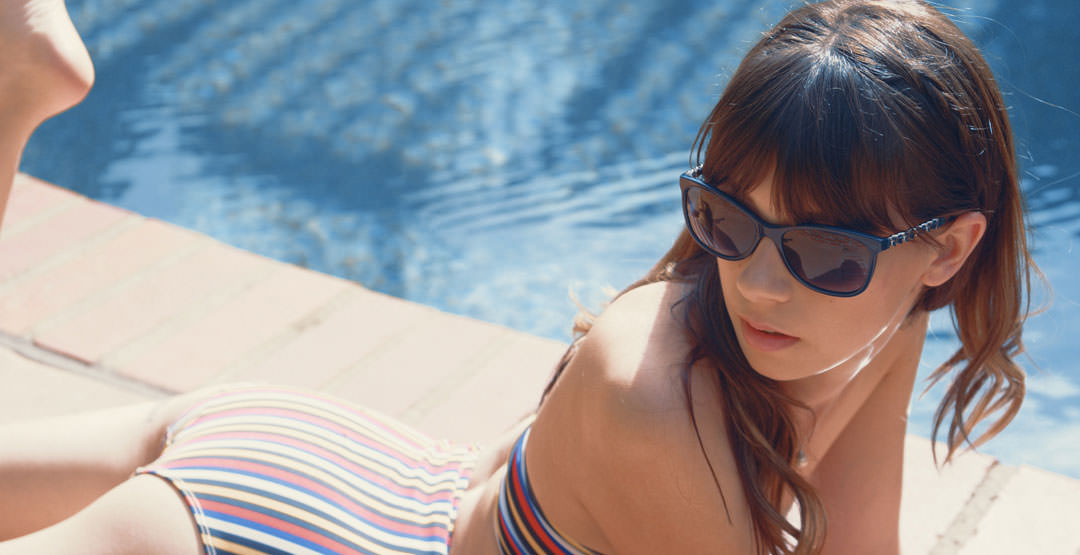
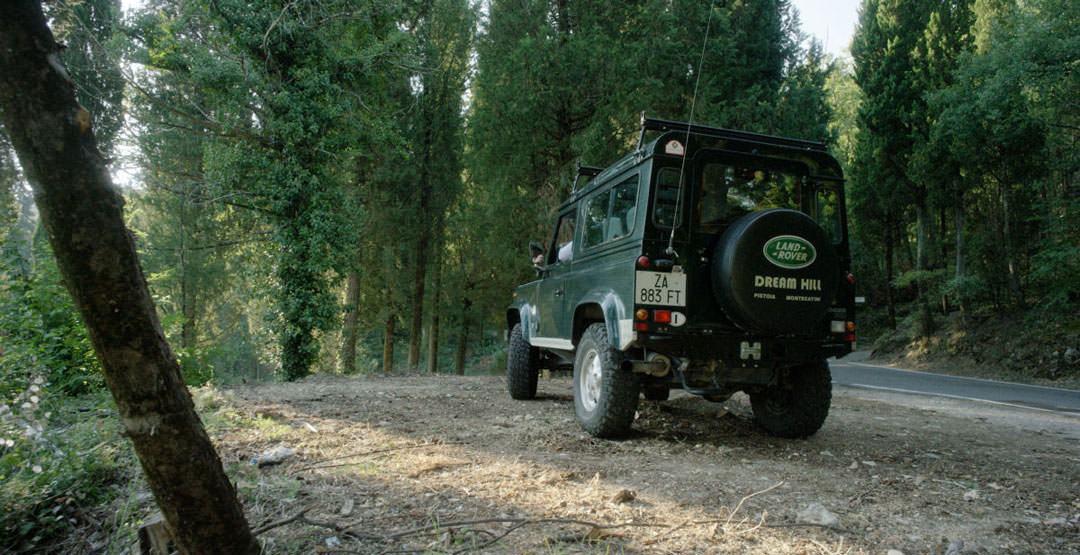
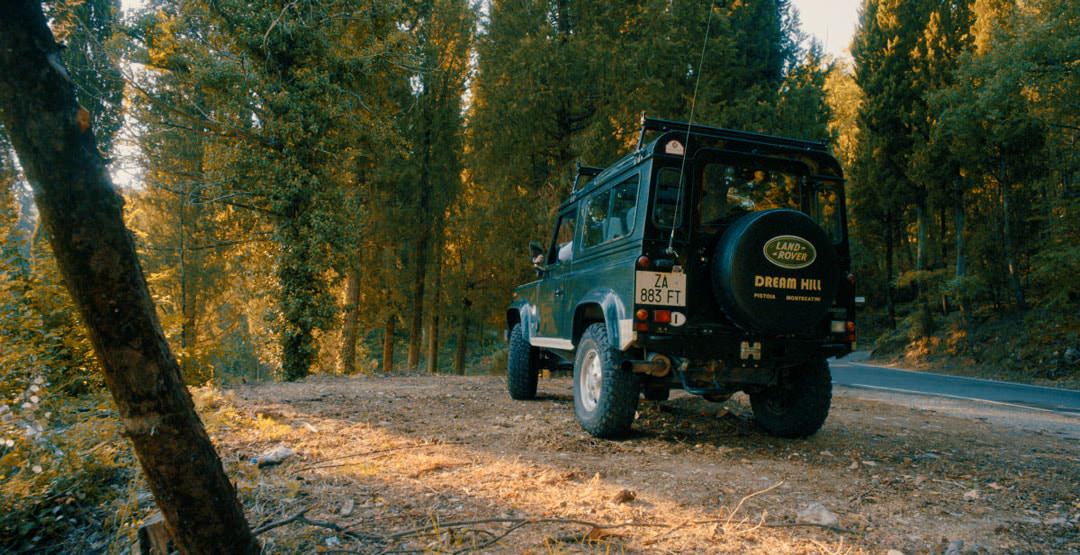
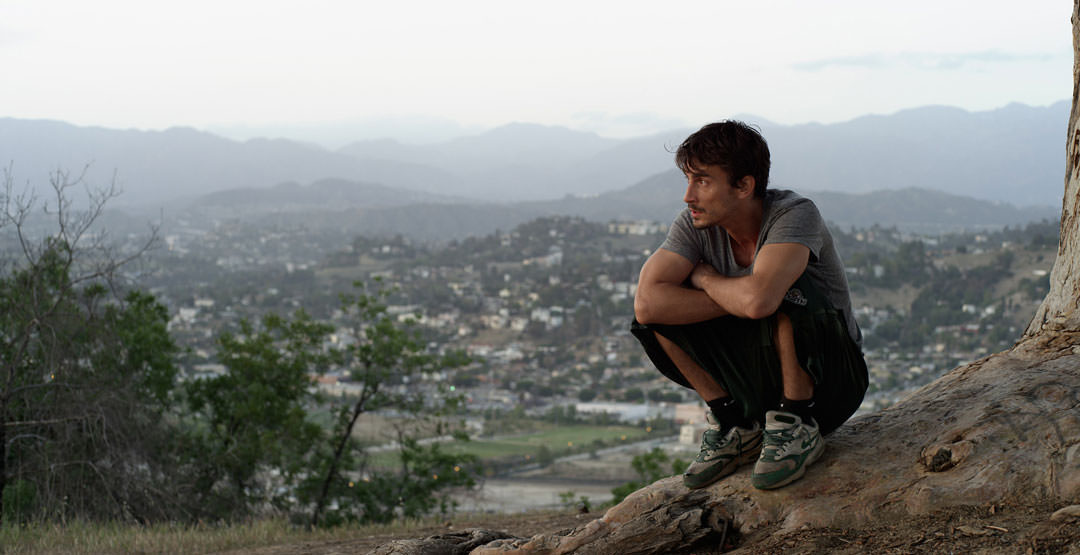
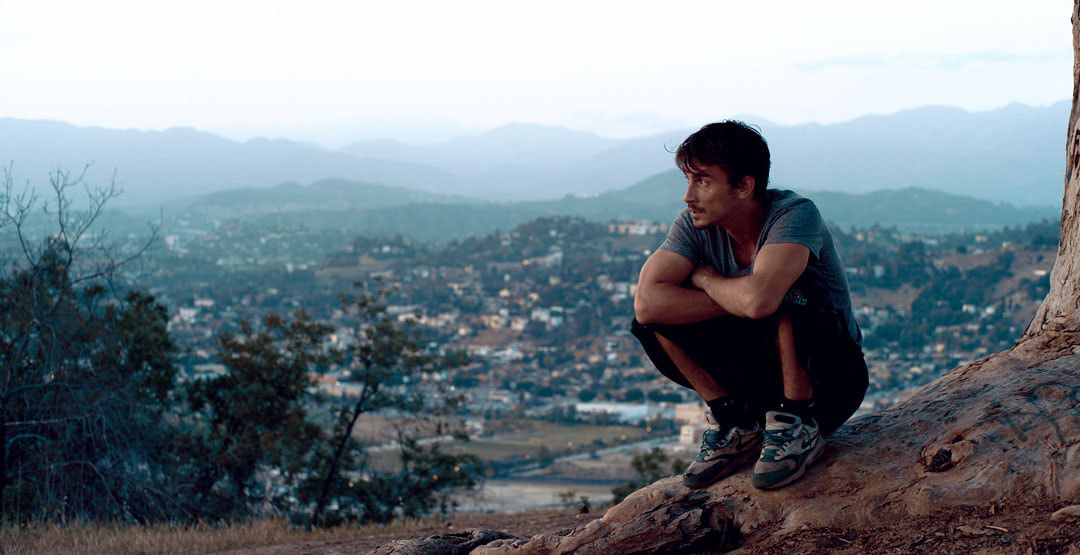
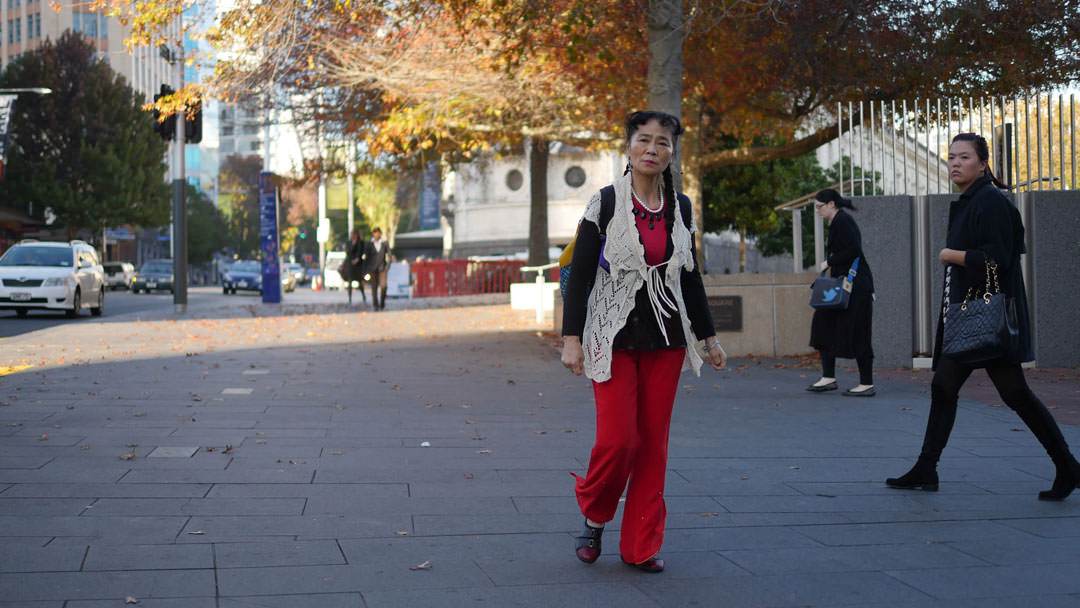
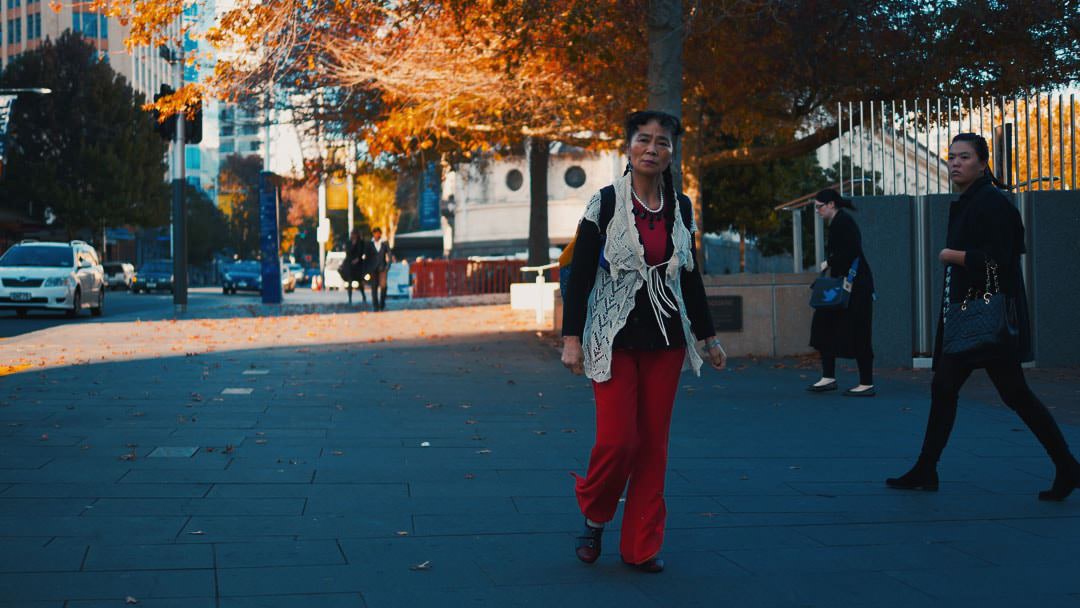
Mouse over images for before-after.
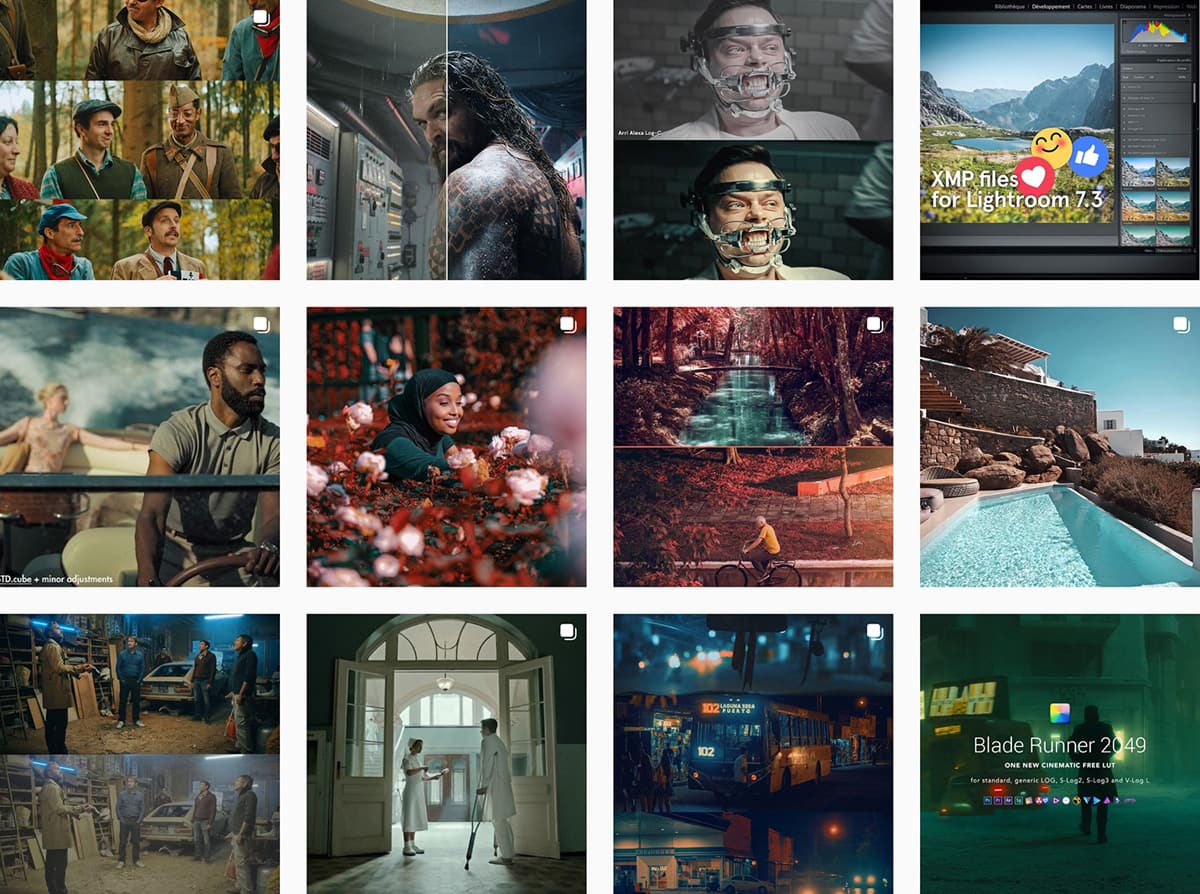
Feel free to check the Instagram account for short video samples.
Because you are curious, please find below some free stuff for you.
This look is inspired from Kodak vivid films like the Ektar 100 and the cinema film Vision 2383. Atmosphere will turn to dark cyan/juniper.
ZIP 50MB (120MB uncompressed)
This LUT is inspired by the Lomography CN 100 35mm. I added a hot touch to create a heavy sunset atmosphere. Skintones are warmer but natural.
ZIP 50MB (120MB uncompressed)
In partnership with SmallHD, I designed this free creative LUT. It gives a warm atmosphere with autumn colors for a unique look.
ZIP 9MB (40MB uncompressed)
Complete set of LUTs to convert all LOG video profiles to standard image (Rec.709). There are several versions of LUTs for each profile.
ZIP 50MB (120MB uncompressed)
This grain is based on 35mm film scans with digital post-processing. ZIP containing a 10sec duration video (ProRes 422 @ 25fps). How to use in AE and FCPX.
ZIP 600MB
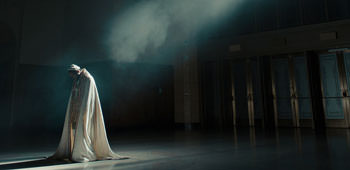
Inspired by the look of Kendrick Lamar "Humble" music video, color graded by Jaime O'Bradovich. Beautiful warm green/blue atmosphere.
ZIP 50MB (120MB uncompressed)
A beautiful pack of +50 original looks optimized for all GoPro cameras and drones. Protune and DJI D-Log supported. Perfect for vlogging and travelling.
ZIP 100MB (150MB uncompressed)
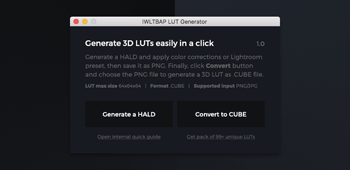
An utility application for Mac/PC that will help you to create LUTs from any application such as Camera Raw, DxO or simply Lightroom presets!
Freeware based on Pay-what-you-want model
The most original and surrealistic LUTs you have ever seen! Inspired by infrared photography with neutral colors and skin tones preserved.
ZIP 150MB (340MB uncompressed)
If you have some questions or any troubles with purchase or use, please contact me at contact@iwltbap.com.
I will reply you within 6h (max 12h)
Don't forget to check the FAQ, perhaps the answer to your question is there.